You are watching a show when suddenly the video freezes, but the audio keeps playing. The remote does not respond, and the white light on your Roku stays on instead of flickering like usual.
If your new Roku suddenly freezes, it usually means the software has locked up, or there is a serious hardware problem. Common fixes like unplugging the power or using remote shortcuts often do not work.
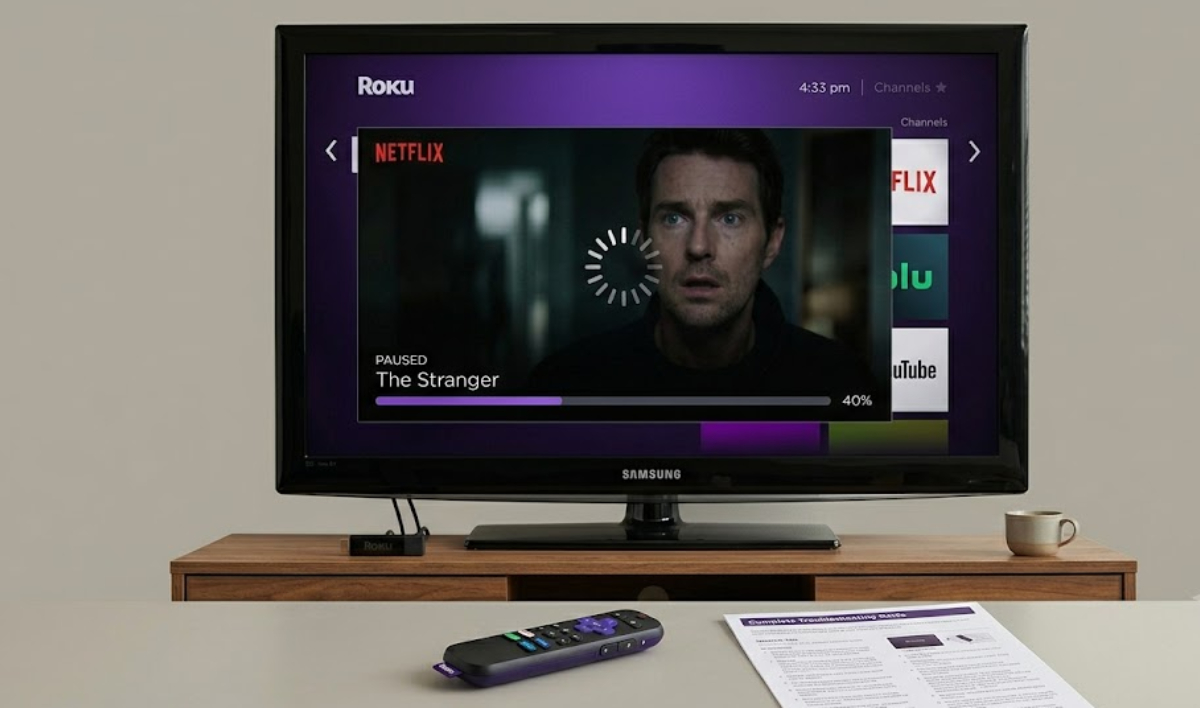
Here is a simple troubleshooting plan based on Roku’s official advice.
Hold the Roku reset button for a longer time
Most new Roku players do not have a pinhole for resets anymore. Instead, look for a small button on the back or bottom, usually marked with a circle or arrow.
If your Roku is completely frozen, pressing the button for 10 seconds will not help. A quick press just tries to reboot, which usually does not work if the system has crashed.
The Official Roku Support Page on Factory Resets says you need to hold the reset button for a full 30 seconds while the device stays plugged in. Do not let go early, even if the screen changes or the light blinks.
Holding the button for 30 seconds forces a deep reset, clearing out the data that caused your Roku to freeze.
Break the HDMI handshake lock

Sometimes your Roku is working, but the video connection to your TV has locked up.
This is called an HDMI handshake failure. When it happens, your TV will not accept new signals from the Roku, so it looks like the system is broken.
To fix an HDMI handshake freeze, follow these steps:
- Unplug the Roku adapter from the wall outlet.
- Unplug the HDMI cable from both your Roku and your TV.
- Leave everything unplugged for two minutes to clear out any leftover electrical charge.
- Plug the HDMI cable back into both devices, then reconnect the power cable to the wall outlet.
You can also try your Roku on a different TV or monitor to see if the problem is with the Roku or your main TV’s port.
Do not use your TV’s USB port for power
Many people power their Roku sticks by plugging the USB cable into the TV. This cuts down on cables, but it often causes hardware problems.
Television USB ports are notorious for fluctuating power levels. If your TV drops its power delivery for even a split second while your Roku is processing a heavy video file, the Roku will freeze instantly.
The Roku Power Supply Support Guide says a solid or flashing light usually means there is a power issue.
Always use the official power brick that came with your Roku, and plug it straight into a wall outlet instead of an extension cord.
When to use your one-year warranty
You have tried holding the physical reset button for 30 seconds, swapped out your HDMI cables, and verified that you are using a reliable wall outlet. However, the solid white light still refuses to turn off.
That means your device has probably had a major hardware failure.
The good news is that every new Roku comes with a one-year hardware warranty. If your device stopped working because of a problem you cannot fix, you do not have to settle for a broken Roku.
Do not try to open the device yourself, since that will void your warranty. Go to the official Roku website to start a support ticket and get your free replacement.