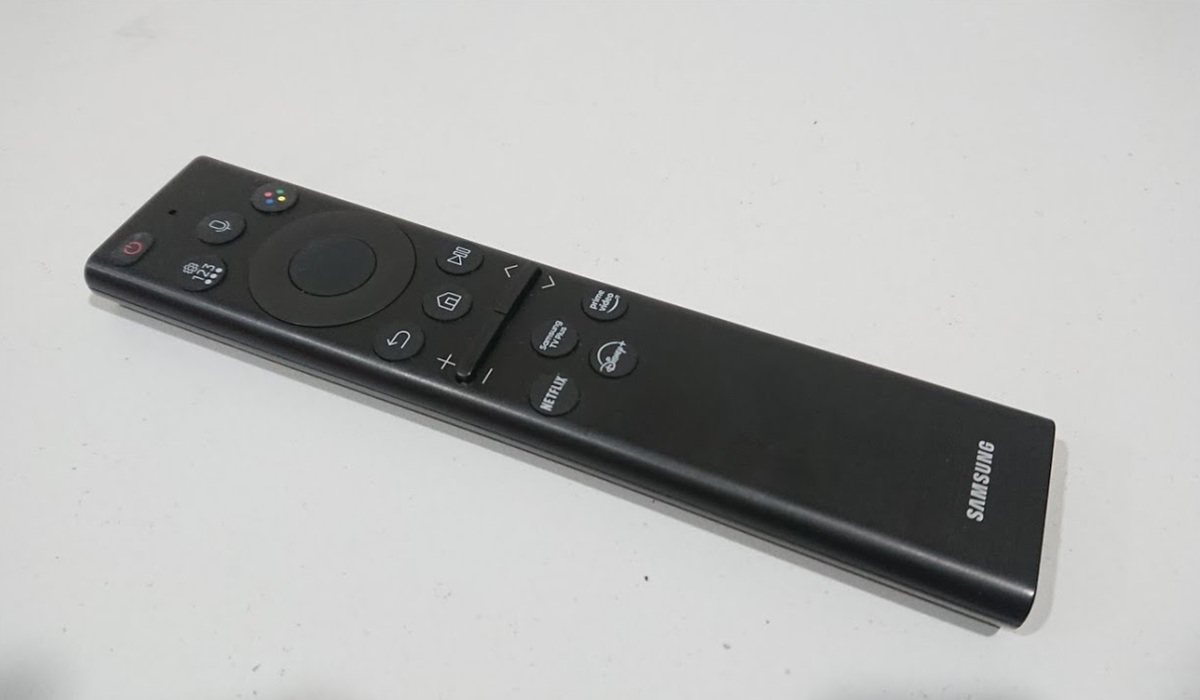
Is your Samsung SolarCell remote not working, leaving you having to reach for physical buttons? You’re not alone! The solar remote is a great option if you hate having to keep replacing batteries.
However, it can stop working for several reasons, from a dead battery to Bluetooth pairing issues. Below, we have compiled the top troubleshooting tips and solutions to fix your Samsung SolarCell TV remote.
1. Charge the remote
A dead battery is one of the main reasons why your Samsung SolarCell remote may not be working. This might sound impossible, given that the remote is self-charging with solar energy.
However, your Samsung SolarCell remote won’t charge if you leave it in a dark room or if its solar panel is covered by dirt, debris, or oils.
The good news is that the Samsung SolarCell remote can also charge via a USB-C cable. Therefore, you can revive the battery by plugging a USB-C charging cable into the charging port.
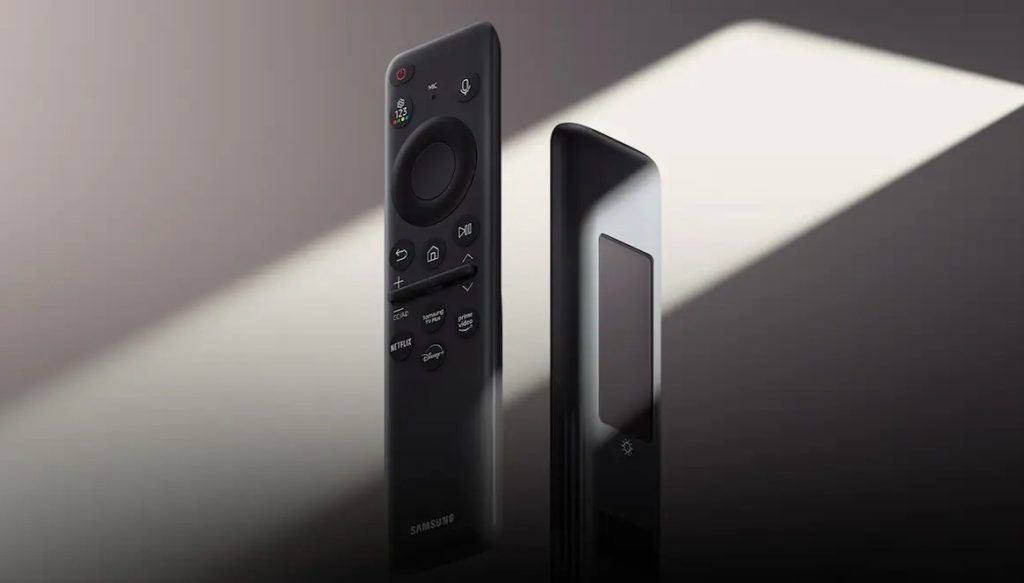
You can also charge the remote by exposing the solar panel (on the back panel) to sunlight or a sufficient indoor light source. To ensure proper charging, clean any dust, debris, or oils covering the solar panel with a soft, dry cloth.
2. Re-pair your Samsung SolarCell remote with the TV
Your remote can unpair from the TV due to a depleted battery, wireless interference, or a glitch in the Bluetooth settings. Re-pairing the remote with your TV can thus get it working again.
To re-pair your Samsung SolarCell remote:
- Turn on your TV.
- Aim the remote control towards your TV.
- Press and hold the Return (back arrow) and Play/Pause buttons at the same time. Hold the buttons until a confirmation message appears on the screen, indicating your TV is pairing/connecting to the remote.
3. Reset your remote
While the pairing process is straightforward, some users have complained about issues pairing their remote controls with their TVs. In most cases, this is due to a glitch in the remote settings.
In this case, you can fix the problem by performing a Samsung SolarCell remote reset. The reset will clear the internal memory cache and any glitches the remote might be having.
- Press and hold the Return and OK (center select) buttons simultaneously.
- Keep holding the buttons for about 10 seconds, until the LED on the remote flashes and turns off.
- Try re-pairing the remote with your TV.
Note: To pair your remote, you need to be close to the TV so its infrared signal can be detected. In fact, some Reddit users reported having to hold the remote very close to the TV’s IR receiver.
4. Reset your TV
If your Samsung Smart remote is still not pairing, the issue could be your TV.
Your TV’s Bluetooth cache and internal software could be corrupted or malfunctioning, causing the pairing to fail. The Bluetooth sensor can also become frozen, preventing it from listening for incoming remote signals.
Resetting your Samsung TV can help to fix the issue. First, you can try power cycling (unplugging the TV’s power cord from the electrical outlet for 60 seconds, then plugging it back in), which will perform a soft reset.
5. Confirm if the remote is working
If your Samsung SolarCell remote is still not working, it might be faulty. But before throwing it away, you should confirm whether it is working.
You can easily do this with a camera test:
- Open the camera app on your smartphone.
- Aim the front part of the remote directly at your phone’s camera lens.
- Then, press and hold the power button (or other buttons like Volume, Channel, and Home).
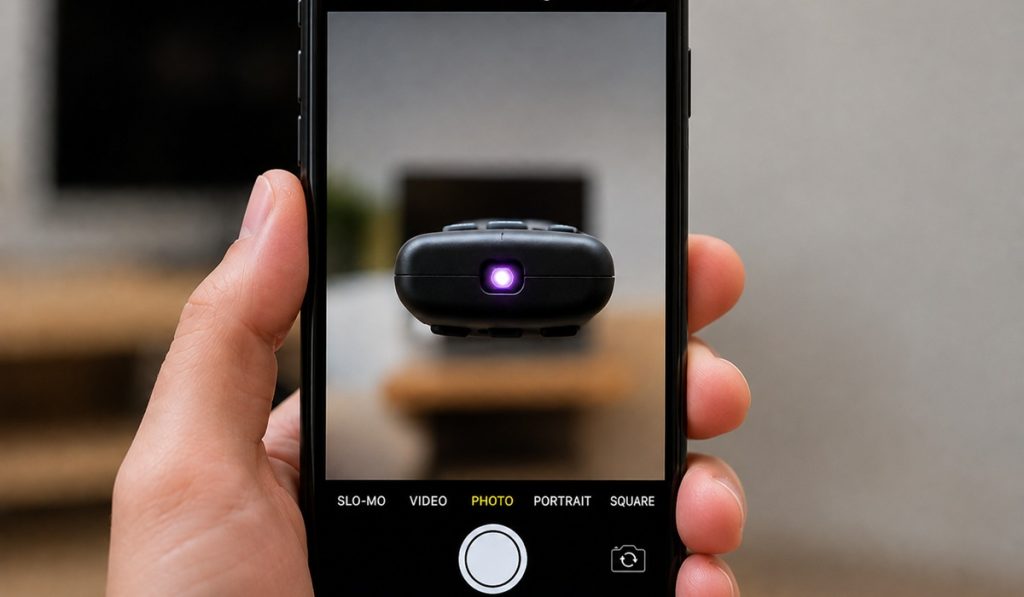
If the remote is working, a flashing light will appear on your TV screen. If no light appears, the remote is most likely damaged, and you should consider replacing it with another smart TV remote.