If you want the best streaming student discounts in the U.S. right now, start with Hulu or Paramount+. Many other services also give bargains.
The catch is that these deals do not all work the same way. Some are straight monthly discounts on one plan only. Some make you verify through SheerID or UNiDAYS every year.

Video streaming student discounts
Below are the best platforms for on-demand content with deals:
1. Hulu Student
- Discount: 83% off ($1.99/month)
- Device support: All devices with access to the internet.
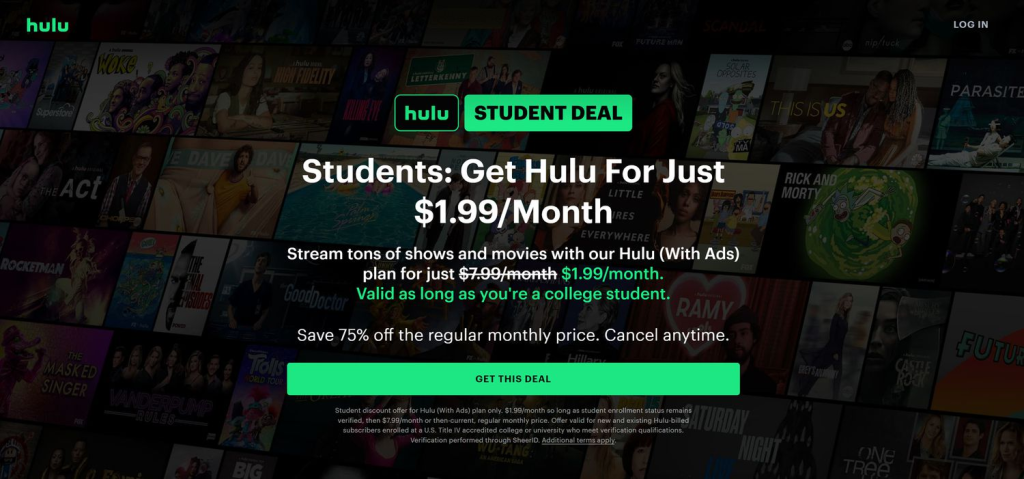
Hulu has the cleanest student deal in U.S. video streaming. You get the regular Hulu (With Ads) library at a student rate for as long as your college enrollment stays verified. The big reason this deal stays popular is simple: it is cheap, easy to understand, and not limited to a one-year teaser rate.
Pros:
- The offer keeps going while you stay eligible, instead of stopping after 12 months.
- Existing Hulu-billed subscribers can switch into it.
- Good fit if you mainly want current TV, Hulu Originals, and movies without paying bundle prices.
Cons:
- You must use the Hulu (With Ads) plan.
- You cannot combine it with Hulu bundles or Live TV.
2. Paramount+
- Discount: 50% off any Paramount+ plan
- Device support: All Smart TVs and connected gadgets.
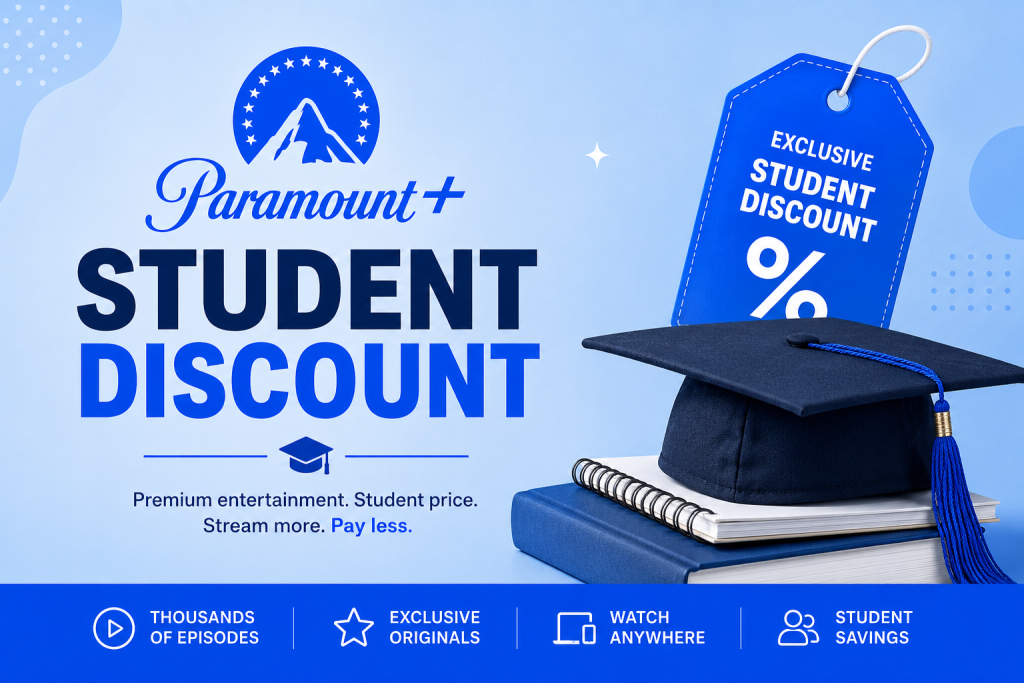
Paramount+ is one of the most useful student discounts because it is not locked to one low-end tier. The public student page says you get 50% off any Paramount+ plan, which is better than the usual “discount only on the cheapest ad plan” setup.
Pros:
- One of the few student deals that applies across the service, not just one entry tier.
- Better fit than Hulu Student if you care about live sports and live CBS-style content.
- You choose your own plan.
Cons:
- Third-party billing can complicate switching or managing the discount.
3. Max Student
- Discount: 50% off ($5.49/month)
- Device support: Phones, tablets, computers, TVs, streaming players, set-top boxes, and game consoles
Max has a UNiDAYS offer on the Basic with Ads plan, and it lasts up to 12 months before you need to deal with renewal or requalification again. If you mainly want HBO shows, Warner movies, and the general Max library at a lower cost, it is a good deal.
Pros:
- Large 50% cut on a service that is otherwise not cheap.
- Good fit if your watchlist leans HBO-heavy.
- Uses UNiDAYS, which many students already know.
Cons:
- Current public offer is time-limited.
4. Peacock Student
- Discount: About 45% off ($5.99/month)
- Device support: Windows and Mac, Roku, iPhone, Android, supported TVs, and other supported streaming devices; up to 3 streams and 6 profiles
Here, you get Peacock Premium at a reduced rate for 12 months. You only need to verify with SheerID, get a code, create a Peacock account, or apply the code in Plans & Payments, and start watching.
Pros:
- Credit card or PayPal gives you more billing flexibility than some rivals.
- Existing users can still use it if they handle the account steps properly.
- Supports profiles and three simultaneous streams.
Cons:
- The student rate runs in 12-month blocks, not indefinitely.
5. Prime for Young Adults
- Discount: 6-month free trial, then 50% off Prime membership for eligible students and 18 to 24-year-olds
- Device support: Prime Video on smart TVs, game consoles, Fire devices, phones, tablets, web browsers, and other supported screens
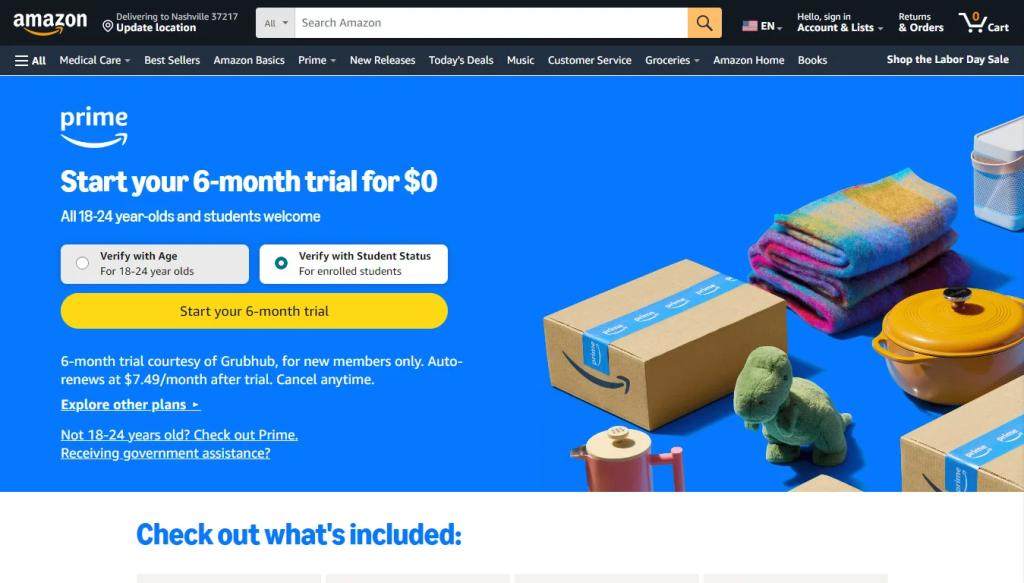
Prime for Young Adults is a little different from the rest because it is not only a streaming discount. It is a discounted Prime membership that includes Prime Video, plus the other Prime perks.
Pros:
- Longer free period than almost any other student streaming deal.
- Includes Prime Video, not just shopping perks.
- Makes sense if you already live inside Amazon’s ecosystem.
- Helpful for students without a .edu address, since other proof can be used.
Cons:
- Less appealing if you only want one video app and nothing else.
Music, audio, and bundle discounts
For audio content, give these platforms a chance:
6. Spotify Premium Student
- Discount: Varies by country
- Device support: All connected devices.
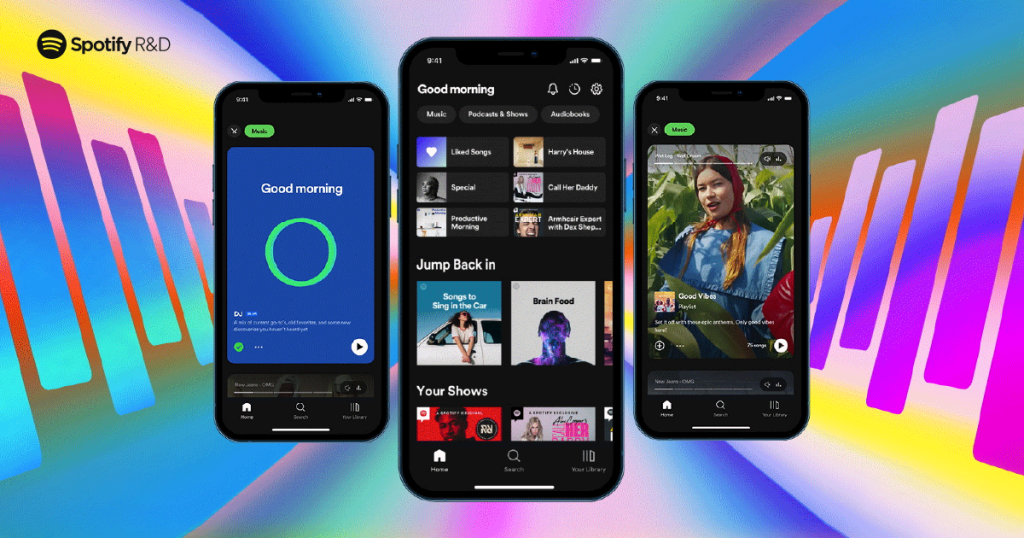
This is the best service since it covers two kinds of streaming at once. You get Spotify Premium Student and Hulu (With Ads) access through the same student plan.
Spotify verifies through SheerID. If your institution is not listed there, you cannot use the student plan.
Pros:
- One of the few student deals that cuts two subscriptions at once.
- Better value than taking Hulu Student and a full Spotify plan separately.
- Great device coverage on both the music side and the TV side.
Cons:
- If your school is not on the SheerID list, the offer stops there.
7. Apple Music Student
- Discount: Rate varies per country
- Device support: iPhone, iPad, Mac, Android phones, web listening, and the Apple TV app across Apple gear and supported streaming hardware
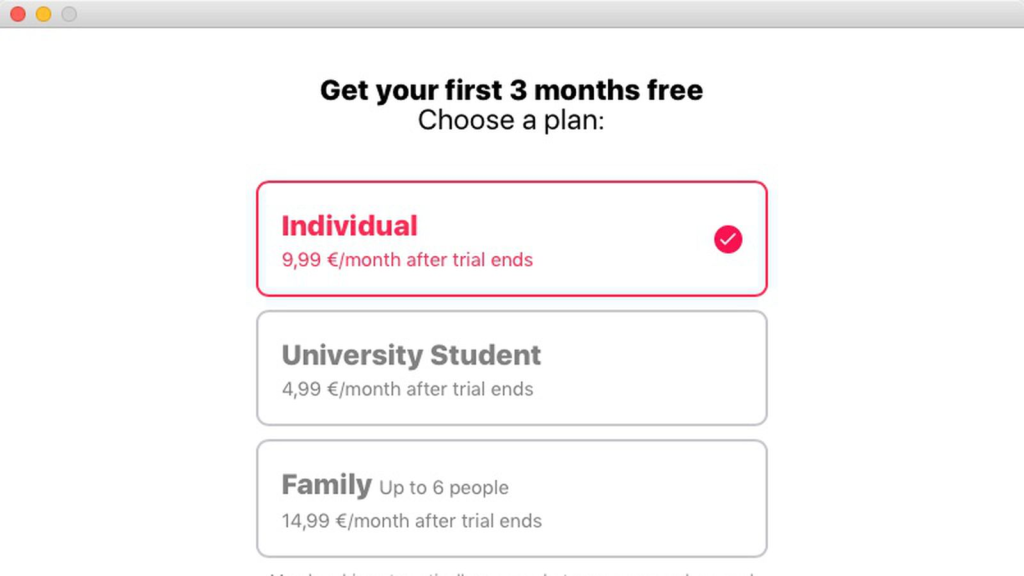
Apple Music Student is another bundle-type student offer, but it works very differently from Spotify’s. The music plan itself is the core product, and you also get Apple TV access for a limited time at no extra cost.
Pros:
- One of the few student offers that includes a second streaming service at no extra cost.
- Works very smoothly if you already use Apple hardware.
- The student rate can continue for up to 48 months.
Cons:
- The Apple TV perk cannot be shared through Family Sharing.
8. YouTube Premium Student
- Discount: Payable amount varies by country
- Device support: All devices with internet.
Here you can choose between two different discounted plans. If you mainly care about no ads on YouTube plus background play and downloads, YouTube Premium is the better student deal. If you mainly want the music side, YouTube Music Premium gives you the cheaper way in.
Pros:
- Lets you choose the cheaper music-only route or the fuller YouTube Premium route.
- Student benefits are the same benefits regular subscribers get.
- Good fit if you spend more time on YouTube than on traditional TV apps.
Cons:
- It is a poor fit if you barely use YouTube outside the occasional search result.
Sports streaming student discounts
They include the following:
9. NBA League Pass
- Discount: 40% off NBA League Pass Monthly or League Pass Premium Monthly for 12 months
- Device support: All connected devices.
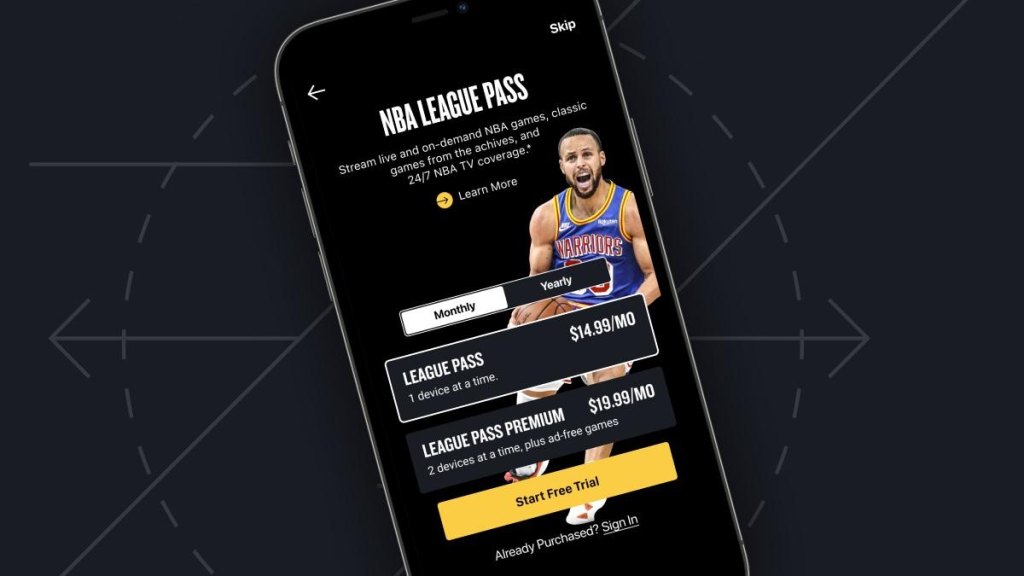
NBA League Pass has one of the better sports student offers because it applies to both the regular monthly plan and the Premium monthly plan. The discount lasts 12 months and can be renewed by re-verifying at the end of the term.
Pros:
- You still get live and on-demand games, alternate feeds, and condensed games.
- Works across the NBA’s supported app ecosystem, not just one screen.
- Premium adds offline downloads for mobile if you choose that tier.
Cons:
- U.S. blackout rules still apply.
10. NFL Sunday Ticket
- Discount: Student-only season plan ($119/season)
- Device support: All major Operating Systems.

NFL Sunday Ticket’s student plan is not a normal monthly streaming discount. It is a discounted season pass for out-of-market Sunday NFL games. That makes it a very different kind of student offer from Hulu or Max.
Pros:
- No .edu email is required for verification.
- Works with your current live TV service instead of replacing it.
- Includes game-day features like multiview and key plays on supported devices.
Cons:
- It is a season pass, not a year-round general streaming service.
- Only one concurrent stream on the student plan.