Offline downloads are mostly a paid feature. However, if you are looking for the best streaming services for offline downloads, the deciding factor is not just price.
Some services give you a short viewing window once playback starts. Others are better for long trips because their rules are simpler.
List of the best streaming services to watch offline
These are the services worth checking first for the best experience:
1. Netflix
- Starting price (Per month): $8.99
- Downloads on: Mobile app, Chromebook.
- Availability: Globally, with a few exceptions.
- Download expiry: Varies by title. Mostly 48 hours after you start watching.
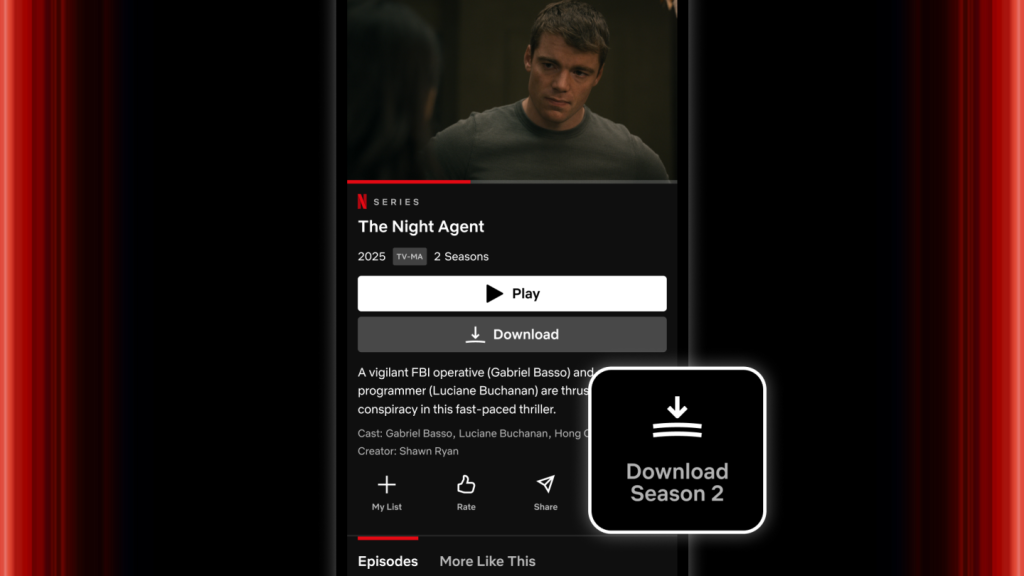
For Netflix, this ability is built into the entry plan rather and not held behind a premium paywall. So, if you just want a simple subscription for flights or patchy mobile data days this is it as you do not have to step up to a more expensive tier first.
It also works well because the catalog is broad enough to support very different download habits. One account could cover prestige series, kids’ programming, documentaries, stand-up, international dramas, and a steady supply of original films.
Pros:
- Downloads start at the entry price instead of the ad-free tier.
- The library is broad enough for mixed households and mixed trip types.
- Chromebook support is still useful for school, work, and travel setups.
Cons:
- The ad-supported plan has a monthly download cap per device.
- Some titles carry annual re-download limits.
2. Prime Video
- Starting price (Per month): $14.99
- Downloads on: Apps on mobile, Windows and macOS.
- Availability: Over 200 countries.
- Download expiry: 30 days. 48 hours after playback starts.
Prime Video shines in spreading downloads across both mobile devices and laptops. That gives it an edge on longer trips. This is true especially if you prefer watching on a Windows laptop or Mac instead of a phone.
It is also one of the best to use internationally. All saved content stays watchable offline while you travel abroad.
Pros:
- The 30-day/48-hour rule is easier than separate title-by-title rules.
- Good fit for travel because downloaded titles remain usable offline abroad.
- Prime membership adds other perks beyond video.
Cons:
- Rental titles still follow the usual short finish window after playback starts.
- Interface clutter from add-on channels and store titles could slow down quick pre-trip downloading.
3. HBO Max
- Starting price (Per month): $18.49
- Downloads on: Mobile app only.
- Availability: Offered across the U.S., parts of Europe, Latin America, and Asia-Pacific.
- Download expiry: 30 days. Then 48 hours after you start watching.
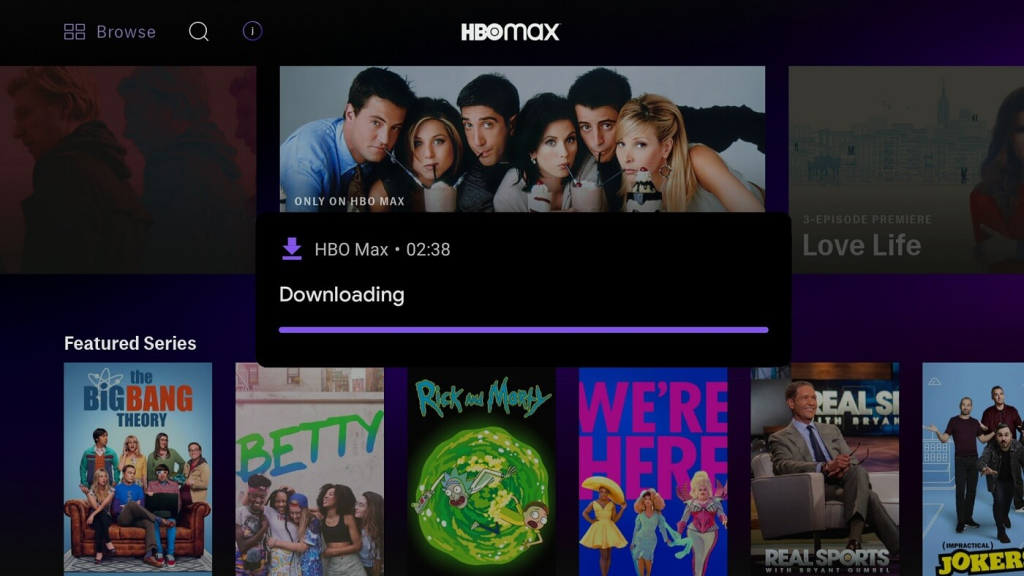
This platform is the best when you care more about download quality than sheer volume. The service gives you a polished offline setup for HBO originals, Warner films, and a large amount of Discovery programming, but it does not give that feature away cheaply. You need Standard or Premium, not the cheaper Basic with Ads plan.
Pros:
- Standard and Premium both include offline viewing.
- Premium raises the download cap well above the Standard tier.
- Film-heavy trips are easier to plan here than on services with thinner movie libraries.
Cons:
- Downloads are locked out of the cheapest plan.
- Mobile devices only.
4. Disney+
- Starting price (Per month): $18.99
- Downloads on: Mobile app.
- Availability: North America, Europe, Latin America, and Asia-Pacific.
- Download expiry: 30 days.
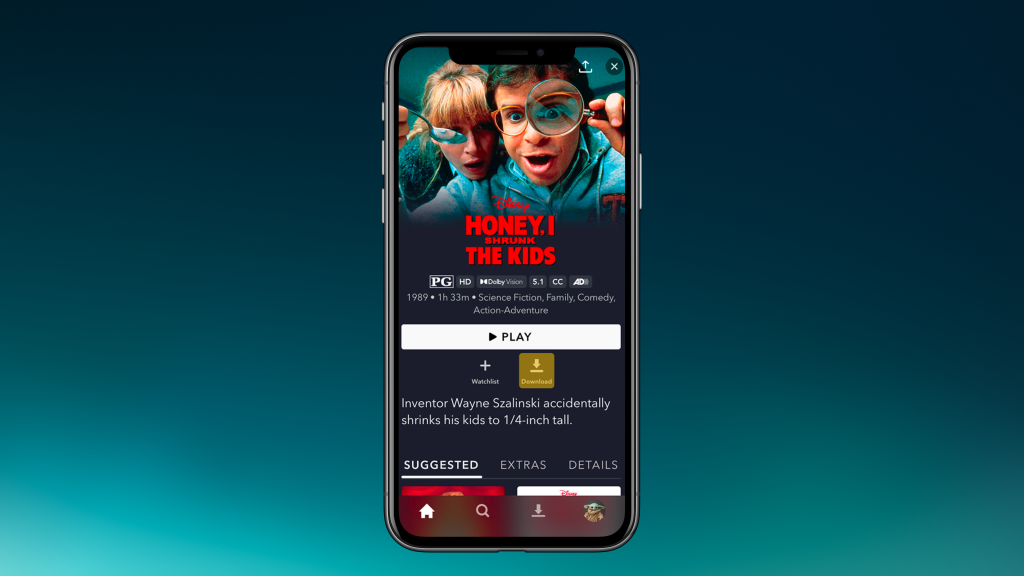
Disney+ is one of the most useful offline services for family travel, but only if you pay for the right U.S. plan. Downloads sit behind Premium, so the cheap entry price does not help here.
Once you are on the correct tier, though, the service is excellent for long car rides, flights with kids, and shared family devices. Plus they last for 30 days and unlimited watch time.
Pros:
- Download rules are fairly easy to follow once you are on Premium.
- Up to 10 mobile devices and up to 25 downloaded titles is generous for family use.
- Franchise-heavy library makes preloading simple.
Cons:
- No laptop download support.
- Titles leaving the library shorten the offline window.
5. Apple TV
- Starting price (Per month): $12.99
- Downloads on: Mobile app and desktop apps on Mac and Windows.
- Availability: U.S., UK, Canada, Australia, Japan, and many other regions.
- Download expiry: 30 days.
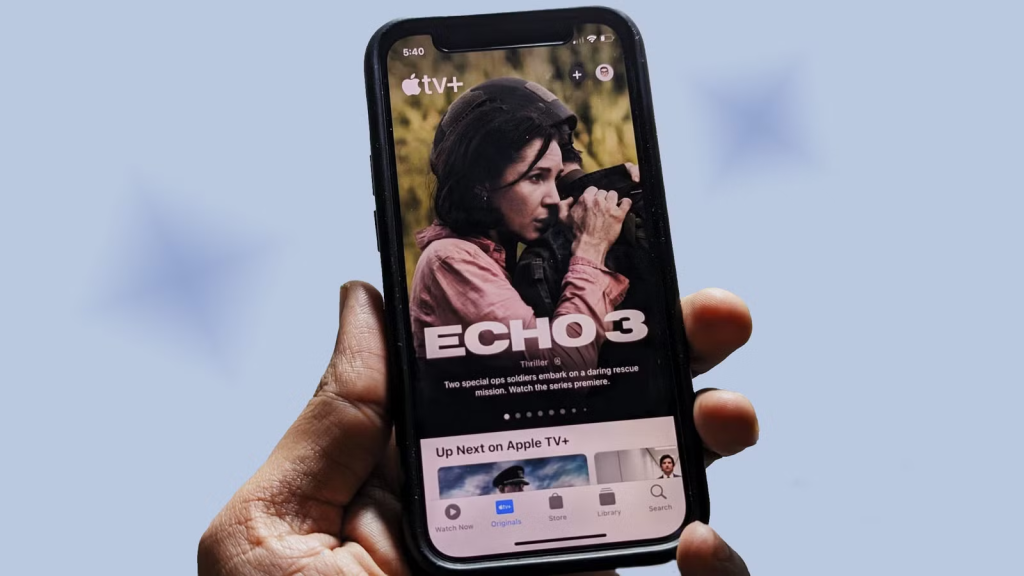
If your offline viewing happens on laptops as often as on phones, this is the best option. Most mainstream rivals still treat offline viewing as a mobile-only feature. Apple explicitly supports Mac and PC downloads through the app.
The service is a cleaner pick for curated viewing than for bulk downloading. Its library is smaller than Netflix or Prime Video, but the originals are usually high quality.
Pros:
- Laptop downloads set it apart.
- Ad-free for originals.
- The service works for non-Apple devices.
Cons:
- Library size is smaller.
- Channel download windows vary.
6. Hulu
- Starting price (Per month): $18.99
- Downloads on: Mobile app.
- Availability: United States only.
- Download expiry: 30 days. Then 48 hours after playback starts.
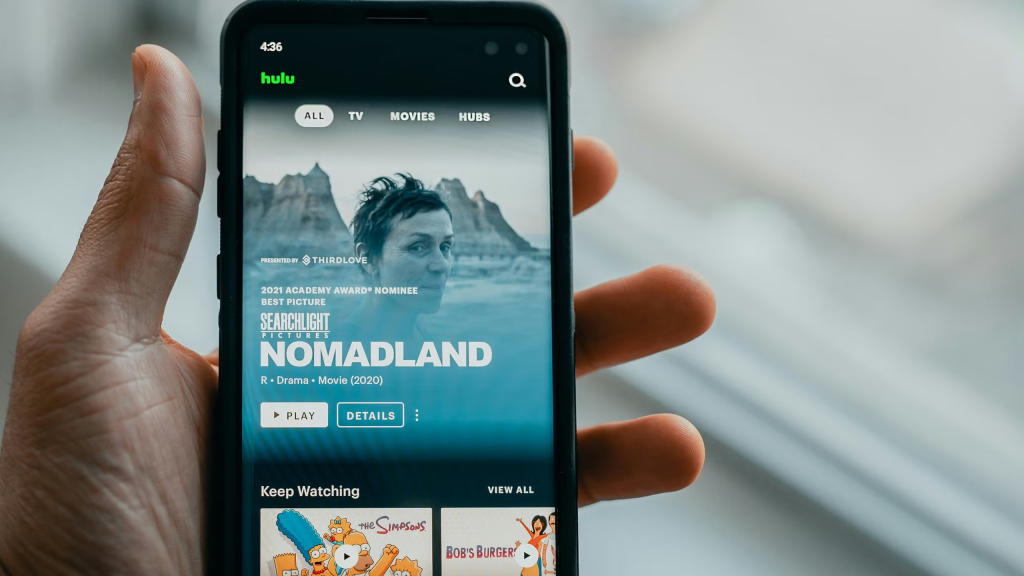
Once you move to the no-ads plan, you’ll love what this service has to offer. The base plan is cheaper, but it does not solve the download problem.
Upon purchasing the correct plan, Hulu is useful for current TV and FX originals. It has a library of sitcoms and a lot of next-day network programming.
Pros:
- Good offline choice for current TV.
- Renewal for expired downloads is available.
- Has a huge catalogue.
Cons:
- Downloads require the no-ads plan.
- Mobile devices only.
7. Peacock
- Starting price (Per month): $16.99
- Downloads on: Mobile app.
- Availability: U.S. and select territories.
- Download expiry: 30 days/48 hours.
Peacock is straightforward once you ignore its cheaper tier. Downloads sit behind Premium Plus, so this is really a service you choose for its NBCUniversal catalog, not for budget offline viewing.
If you already want NBC series, live-sports replays, or Peacock originals, the price for the offline toolset is good enough to justify.
Pros:
- Simple expiry rules.
- Good library for NBC, Bravo, Universal films, and Peacock originals.
- The best offline pick if you already want the Premium Plus tier for ad reduction.
Cons:
- Downloads require Premium Plus.
8. Paramount+
- Starting price (Per month): $17.99
- Downloads on: Mobile app.
- Availability: Available in the U.S., Canada, Australia, UK, Ireland, Latin America, and parts of Europe.
- Download expiry: Varies by title.
This is a better offline service for franchise followers than for general-purpose downloading. If your trips regularly involve CBS shows, Showtime titles, Paramount films, Nickelodeon content, or a stack of older procedural TV, it is useful. If you just want the most flexible download service at the lowest possible price, it is harder to justify.
Pros:
- Wide international availability compared with Hulu and Peacock.
- Good value if you already want Showtime and Paramount film/TV libraries together.
- Useful for family viewing because of the mix of adult drama, kids’ content, and CBS programming.
Cons:
- Downloads require Premium.
9. Crunchyroll
- Starting price (Per month): $13.99
- Downloads on: Mobile app and Nintendo Switch.
- Availability: Worldwide, excluding Japan.
- Download expiry: 7 days/48 hours.
Crunchyroll deserves a place here because anime fans often download more aggressively than general streaming subscribers. Simulcast habits, commuting, campus Wi-Fi, and travel all make offline episodes more useful. The service also goes a step further than many film-and-TV rivals by supporting Nintendo Switch downloads in addition to regular mobile devices.
Pros:
- One of the few major services with Nintendo Switch download support.
- Excellent fit if anime is your main offline use case.
- Clear plan ladder: Mega Fan and above unlock downloads.
Cons:
- The seven-day unplayed window is shorter than on most mainstream rivals.