If you own the right Hisense TV set, you might now have a way to play Xbox games. You can do that on your largest screen in the house without connecting an Xbox Series X or Series S.
Microsoft has started rolling out the Xbox app to supported VIDAA OS televisions. Most of these were released from 2024 through 2026.
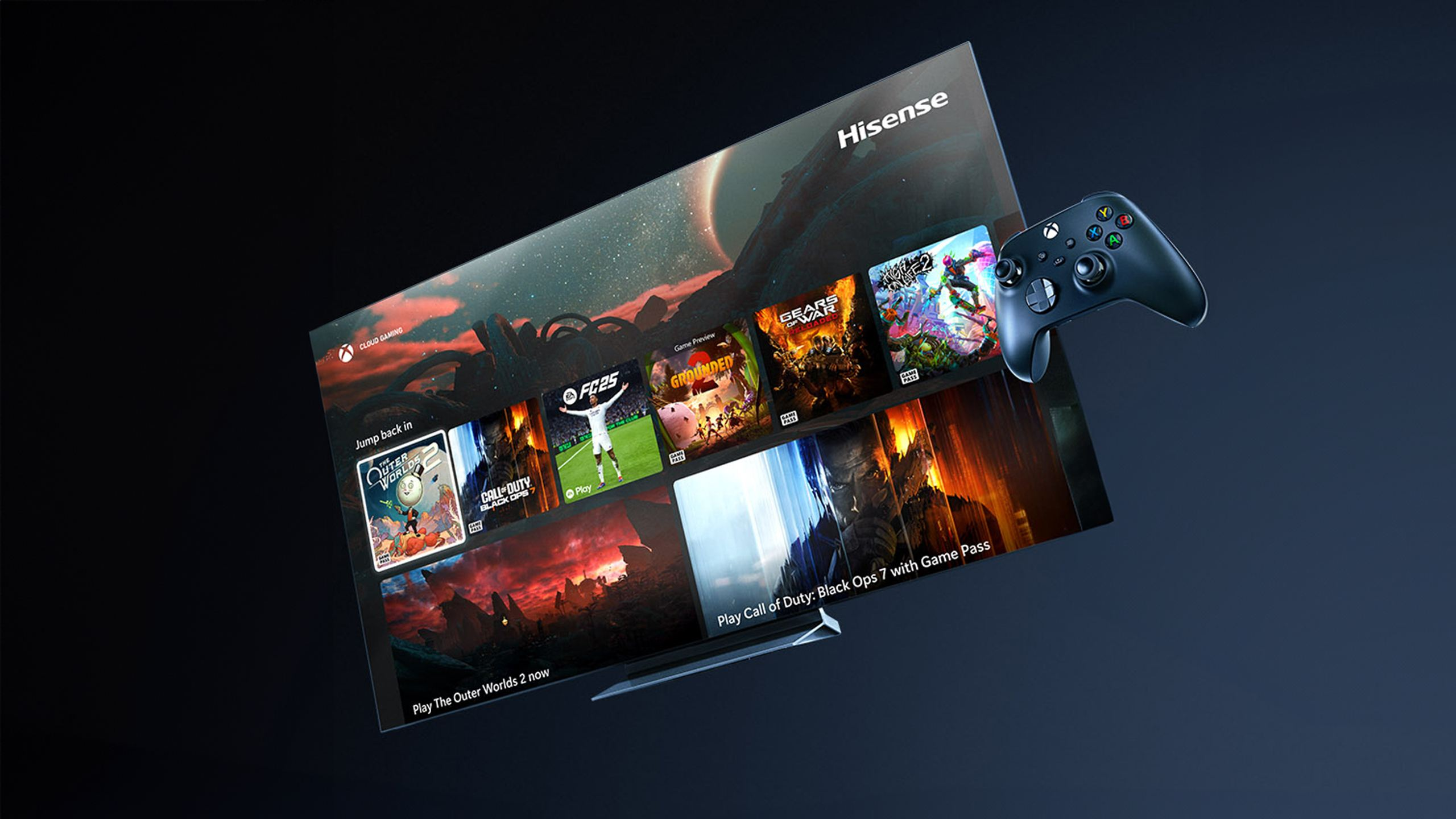
For yours to receive this, it must run VIDAA OS 9.6 or later. Also, access is arriving gradually across eligible devices and regions.
The Xbox app is reaching existing Hisense TVs
Microsoft confirmed the active Xbox app rollout, saying deployment had started and would eventually cover millions of VIDAA-powered televisions.
This is not limited to TVs you get after the announcement. If you own a supported 2024, 2025, or 2026 model, you could receive the app through a software update.
StreamDiag previously covered Xbox cloud gaming as part of the wider VIDAA OS redesign. At that point, the feature was still an upcoming addition. The latest development moves it into an active rollout and gives owners a minimum operating system requirement.
Not every Hisense TV is compatible
Hisense uses different smart TV systems across its product range. The giant has VIDAA, Google TV, Roku TV and Fire TV. This rollout only applies to selected models powered by VIDAA OS.
That means your Hisense television running another operating system does not qualify through the VIDAA update.
Even within the VIDAA range, Microsoft has not released a complete list of compatible model numbers. It has also not published a country-by-country launch list.
As of now, your television must reach VIDAA OS 9.6 or a newer version. To check your current version:
- Press the Home button
- Open Settings
- Select Support > About.
The operating-system version appears as the two digits after “V0000.0.”
How to get the Xbox app
The Xbox app should appear after an eligible TV receives the required update. Microsoft does not need you to download it separately from the VIDAA app store.
Follow these steps:
- Open System Settings on the television.
- Select Support, followed by System Upgrade.
- Choose Check Firmware Upgrade and install any available update.
- Confirm that the television is running VIDAA OS 9.6 or later.
- Look for Xbox on the Home page or under the Games section.
- Sign in with an Xbox account and pair a supported Bluetooth controller.
Note: Updating to VIDAA OS 9.6 does not guarantee that the app will appear immediately. Microsoft says the update might not be available on every supported television at launch.