When weighing Fire OS vs Vega OS, consumers face the biggest strategic shift in Amazon’s home entertainment history. For over a decade, millions of living rooms used Fire TV Sticks running Fire OS, a customized version of Google’s Android Open Source Project.
That Android backbone gave shoppers cheap hardware with an open digital playground. Users could download mainstream apps or install almost any third-party software.
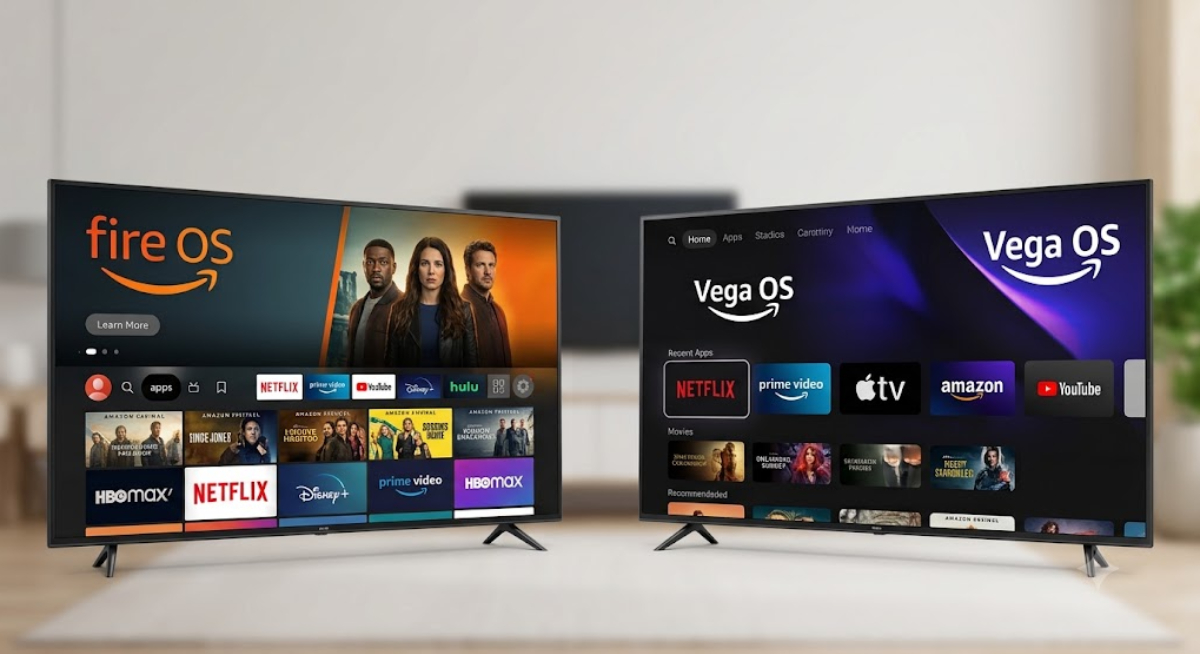
Now, Amazon is phasing out Android across its streaming lineup. The company is replacing it with Vega OS, a custom-built, web-focused operating system based on Linux.
Amazon promises snappier menus and better system efficiency. But the switch brings strict new rules that directly affect how people watch television in their living rooms.
1. The app experience
For most people who use popular streaming services, switching to Vega OS is smooth. Major apps like Netflix, Prime Video, Hulu, Disney+, and YouTube work right away.
These apps open quickly on Vega OS. They play 4K video smoothly and show up right on the main Fire TV home screen.
But things are different for cord-cutters and home media fans. Fire OS let people download utility apps, network tools, custom file browsers, and special video players.
With Vega OS, there are far fewer extra apps. Utility apps are limited, independent games are gone and many popular Android tools are not available.
Vega OS changes Fire TV from an open streaming device to a more controlled system that mainly supports big media partners.
2. Sideloading
The biggest controversy in moving from Fire OS to Vega OS is that you can no longer sideload apps.
With Fire OS, users could enable developer options in settings. They could use apps like Downloader to install Android APK files straight from the web.
This let people run custom media servers, sports trackers, emulators and third-party launchers. Advanced users used these tools to make Amazon’s ad-heavy interface cleaner.
Vega OS eliminates the Android APK runtime entirely. Since Vega OS runs on a non-Android Linux architecture, Android application packages cannot run on the hardware.
Amazon now blocks any software that is not in the official Amazon App Store. Users can no longer access hidden installation settings or use unofficial app stores.
Losing sideloading feels like losing ownership of hardware you paid for. It turns a flexible streaming device into a locked device.
3. Speed, System Overhead, and Hardware Performance
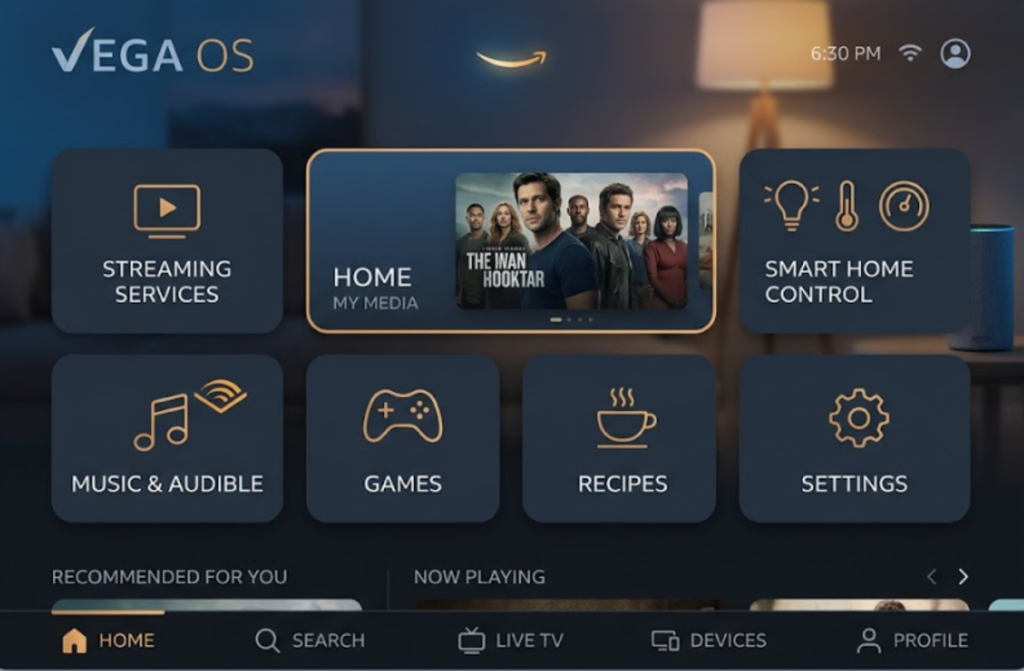
The main benefit for consumers in the Fire OS vs Vega OS debate is better hardware performance and a faster user interface.
Android-based Fire OS had significant background services and heavy system overhead. This bloat often caused low-cost Fire Sticks to stutter, lag or run out of memory over time.
Vega OS was designed to get rid of that extra system load. Without Android’s heavy software layers, Vega OS works smoothly even on basic streaming devices.
Devices with Vega OS start apps faster. Menus stay smooth, even on hardware with only 1GB of RAM.
Because Vega OS uses less power, streaming sticks can be slimmer and run from a regular TV USB port. You do not need a separate wall plug.
4. Feature trade-offs
Beyond app availability, moving to a new operating system means leaving behind years of software refinements. In its rush to deploy Vega OS on new entry-level devices, Amazon omitted several convenience features long taken for granted on Android Fire TV.
Built-in features are missing from Vega OS. Key exclusions include volume leveling, dialogue boost tools, live TV picture-in-picture previews, and automatic storage management on early builds.
Amazon plans to update Vega OS over time. Early buyers are essentially real-world software testers during this platform transition.
5. Which devices run which OS today?
Understanding where Amazon stands now is crucial before buying a new streaming device for your home.
- Vega OS devices: These are now on Amazon’s newest budget hardware, like the Fire TV Stick 4K Select and Fire TV Stick HD. All future entry-level Fire TV devices will likely use Vega OS only.
- Fire OS devices: These are still used on older models and higher-end hardware like the Fire TV Stick 4K Max, Fire TV Cube, and current Fire TV Smart TVs. Older Android-based models will keep getting security updates, but Amazon is focusing future development on Vega.
Fire OS and Vega OS: Which one should you pick?
Choosing between Fire OS and Vega OS depends on what matters most to you in a streaming device.
- If you want a cheap streaming stick that starts up fast, plays Netflix smoothly, and responds quickly to Alexa, Vega OS gives you a cleaner and faster experience.
- If you value digital freedom, rely on custom media player software, or want to customize your TV’s home layout, Fire OS remains the superior choice.
If you depend on sideloaded apps, keep your current Android-based Fire TV device. Or, think about switching to Google TV or another Android TV platform before Vega OS becomes the default on all Amazon devices.