Most streaming sticks collect a lot of data from millions of households, which raises privacy concerns for people who just want to watch TV.
Roku, Amazon, Google, and Apple devices track what you watch, which apps you use, and your searches. This information is often used for personalized ads and product updates that mostly help the companies.
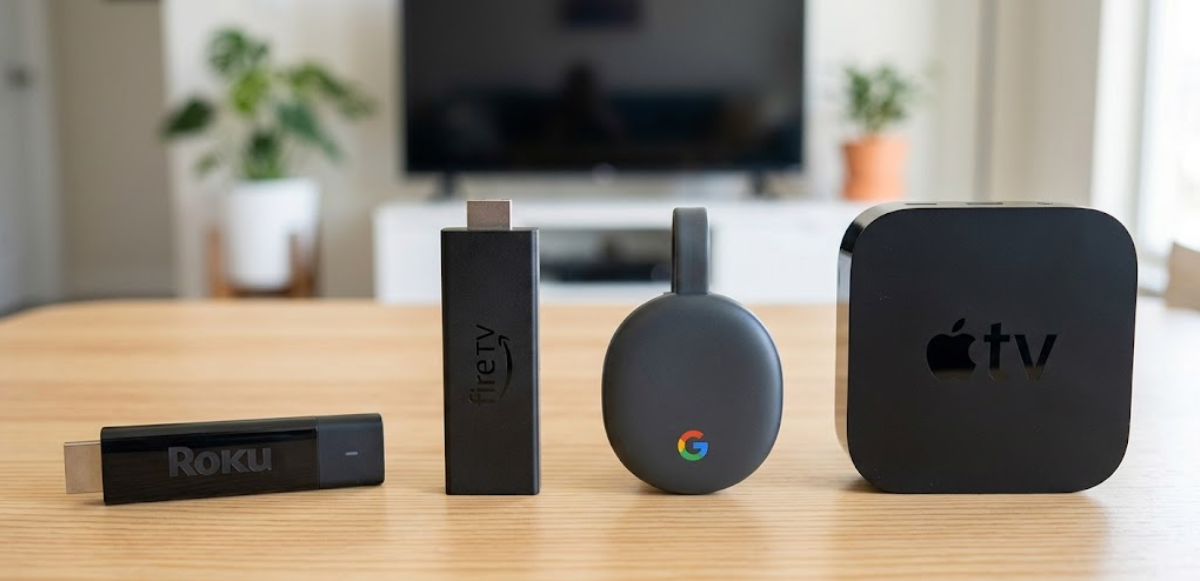
Here is how each streaming stick collects information about you.
Roku
Roku streaming sticks collect a lot of data. They track your search history, channels you visit, how long you watch, your interactions with content and ads, voice commands from remotes, and your settings.
If Smart TV Experience (ACR) is turned on, Roku can see what programs, ads, and channels you watch, even from antenna, cable, or other devices. It also records the date, time, and how long you watch.
Roku uses this data to target ads and shares it with partners. Turning off ACR helps, but some data is still collected from streaming channels. As a result, you may see more targeted ads and get content suggestions or prices based on your profile.
By default, Roku often shares your data with advertisers. Privacy advocates recommend changing your settings to limit this.
Amazon Fire TV
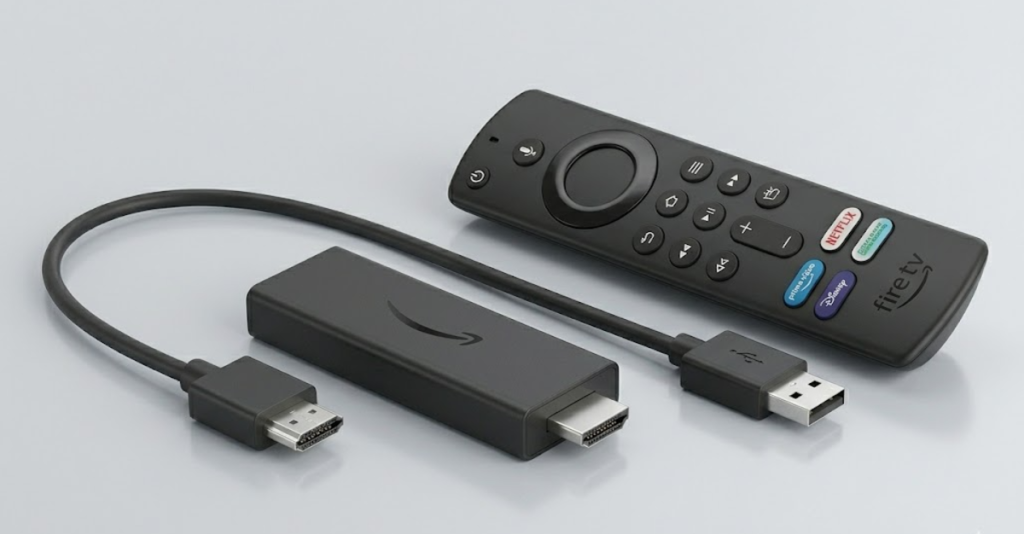
Amazon Fire TV Sticks track how often and how long you use apps, your device settings like language and display size, and how you navigate and interact with the device.
Amazon says it does not track exactly what you watch in third-party apps, but it does collect general device and app data for updates, marketing, and ad targeting.
Alexa voice data and links to your Amazon shopping account mean your Fire TV activity can affect Amazon recommendations or ads in other places, building a detailed profile about you.
Many users say privacy settings sometimes reset after updates, so it is important to check them regularly.
Google Chromecast
Google Chromecast with Google TV follows Google’s wide privacy policy. It tracks your search terms, videos you watch, how you interact with content and ads, voice commands, purchases, and third-party app use.
Google says Chromecast does not use ACR to watch exactly what’s on your screen. However, your usage and casting data are still used for Google’s advertising across its services.
If you are signed into your Google account, your TV activity can affect YouTube suggestions and other personalized ads. This kind of tracking worries many parents and people who care about privacy.
Apple TV
Apple TV is known for better privacy settings. It does not use ACR like other brands and collects less data, mainly for its own services, recommendations, and optional analytics.
Apple TV tracks your viewing history for features like Continue Watching. However, you can limit or anonymize much of this data, and it’s easier to opt out of Siri, location, and analytics during setup.
Apple does collect some usage data to improve its services, but it usually keeps this information private and does not share much for advertising. Because of this, privacy advocates often prefer Apple TV, even though it costs more.
These data practices have a direct impact on you. Detailed viewing profiles can lead to very targeted ads, affect what your family sees, and increase risks if your data is ever leaked or shared.
With more data breaches happening, your viewing habits can create a lasting digital footprint. To reduce risks, check your privacy settings right away:
- On Roku, navigate to Settings > Privacy > Smart TV Experience to disable ACR and limit ad tracking.
- For Fire TV, go to Settings > Preferences > Privacy Settings and turn off Device Usage Data, App Usage Data, and Interest-Based Ads.
- Google users can manage usage data in device or Home app settings.
- Apple TV offers straightforward toggles for analytics, tracking, and Siri during setup and in Privacy menus.
You can also review app permissions, reset your advertising ID, and avoid using voice features when possible. Doing a factory reset or signing out of accounts can help reduce data links even more.