Choosing the right streaming service for offline viewing can make travel easier, whether you are flying, on a long train ride, or passing through areas with weak mobile signal.
Most major video platforms let you save movies and TV shows to your phone or tablet, but the experience varies by app. Some limit how many episodes you can keep, while others automatically save new episodes.
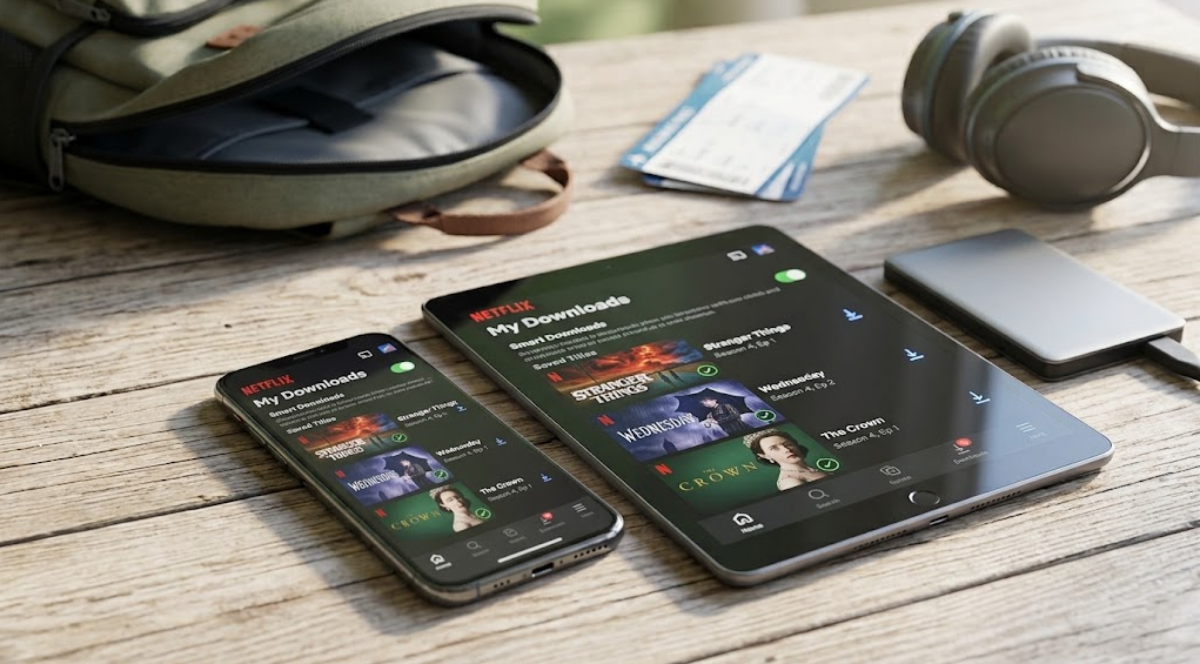
This guide ranks streaming platforms from best to worst based on their current features and policies.
1. Netflix

Netflix is still the top choice for saving videos to watch offline. Its mobile apps are stable, easy to use, and packed with features that make getting ready for a trip simple.
One standout feature is “Smart Downloads.” After you finish a downloaded episode, the app deletes it when you next connect to Wi-Fi and starts downloading the next episode.
Netflix also has “Downloads for You.” It automatically fills part of your phone’s storage with recommended movies and shows based on your viewing history.
If you have an ad-free account, you can keep up to 100 downloaded titles on each device, so you have lots to watch on long trips.
2. Amazon Prime Video
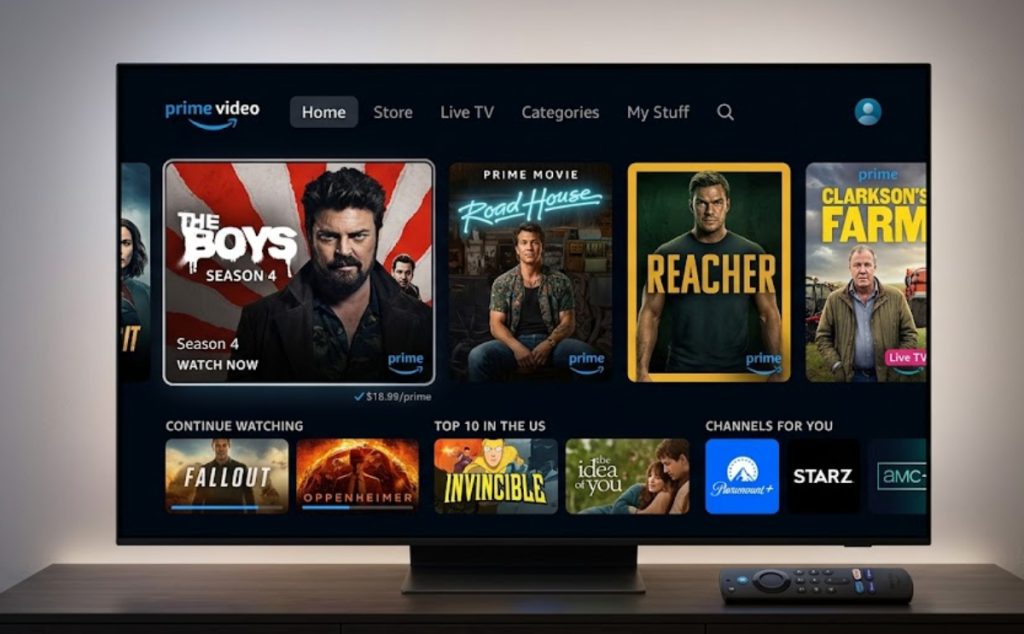
Amazon Prime Video is a close second, with customization options great for heavy phone users. If you are concerned about storage, Prime Video makes it easy to manage your files.
Unlike many other services, Prime Video lets you save videos directly to microSD cards on supported Android and Amazon Fire devices. You can also choose from four different download quality settings before saving a video.
Choosing a lower setting lets you fit dozens of extra hours of footage on a single phone. While account-wide download caps exist, the ability to fine-tune file sizes makes it a top choice for road trips.
3. Disney+

Disney+ is third on the list and is a reliable choice for parents and families traveling with kids. Its download system is simple: just tap a button to save movies, animated series, or classic family favorites.
The main advantage of Disney+ is its device policy. Premium ad-free subscribers can save offline files on up to 10 different mobile devices under a single account.
There is no set limit on how many titles you can download. You can save as much as your device’s storage allows.
To keep your downloads available, just connect your device to the internet at least once every 30 days.
4. Apple TV+
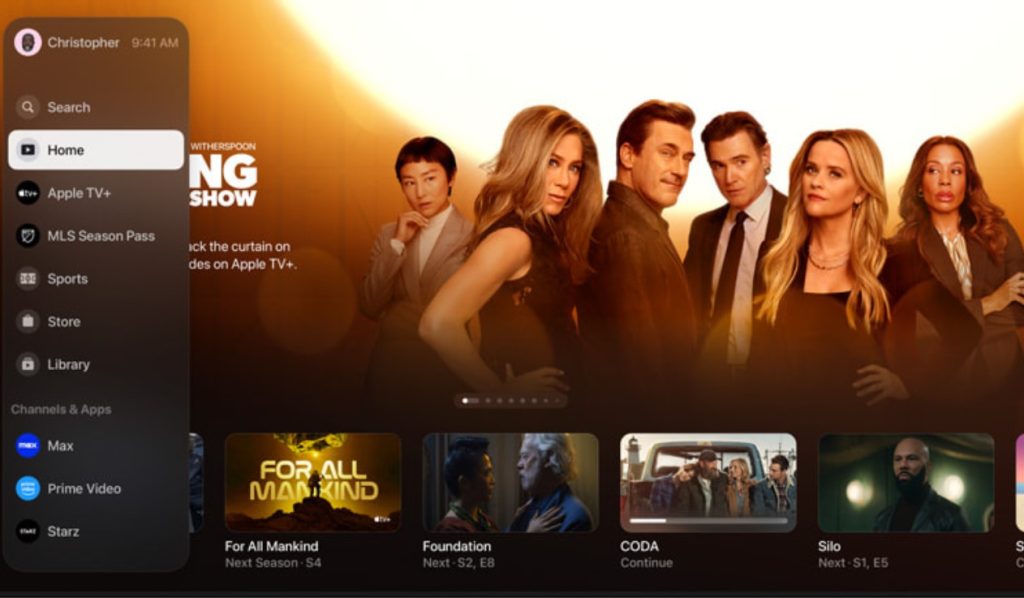
Apple TV+ is fourth overall, with great visuals and simple pricing. Since there are no ad-supported plans, every subscriber can use all offline features right away.
Apple TV+ downloads keep the same high-definition quality as its streaming app. Videos save quickly over Wi-Fi, and you can share your account with up to six family members.
The main reason Apple TV+ ranks lower than Netflix or Prime Video is its smaller library. Its original shows are highly rated, but there are fewer titles overall compared to other services.
5. Max

Max has a great selection of top TV shows, big movies, and documentaries. However, its offline download rules are stricter, which puts it in the middle of the rankings.
If you have the standard ad-free plan, you can have up to 30 downloads across your devices. Upgrading to the highest-tier plan increases this limit to 100 titles.
The app is good for downloading a whole season of your favorite show, but be sure to watch your download limits so you do not run out of space before your trip.
6. Hulu

Hulu is great for catching up on recent TV episodes and original movies, but its offline download features are not as strong as those of higher-ranked services.
Only subscribers with the No Ads plan can download shows or movies. You can have up to 25 downloads across your supported devices.
The main downside of Hulu is its expiration rules. Unwatched downloads expire after 30 days, and once you start watching, you have only 48 hours to finish before you need to reconnect to the internet.
7. Paramount+

Paramount+ is near the bottom of the list because only top-tier subscribers (Paramount+ with Showtime) can download content. Standard ad-supported members cannot save anything for offline viewing.
Even if you have the top-tier plan, you can only download up to 25 titles per device. The app sometimes has delays when renewing expired licenses without Wi-Fi, so it is less reliable for international trips.
Paramount+ is still useful for saving certain network dramas, sports replays, or kids’ shows, but it does not have the advanced features of other apps.
8. Peacock
Peacock is at the bottom of our rankings because its download features are very limited. Only users with the highest “Premium Plus” subscription can download content for offline viewing.
Subscribers can have up to 25 downloads across all devices. Also, because of licensing rules, many of Peacock’s movies and shows cannot be downloaded for offline viewing.
Unless you really want to watch NBC shows or Peacock originals while traveling, other platforms give you a much better offline experience.
Key things to remember with offline videos
No matter which app you use, follow these quick tips before you leave:
- Check your subscription tier
Almost all streaming apps need you to have an ad-free premium plan to download videos for offline viewing.
- Mind the 48-hour clock
When you start watching a downloaded movie or episode without Wi-Fi, most apps start a 48-hour timer. Try not to start a movie at home if you want to finish it on a flight two days later!
- Connect to Wi-Fi pre-flight
The night before your trip, open all your video apps while connected to your home Wi-Fi. This will refresh your licenses and keep your offline videos active.