If you enjoy live sports, streaming just became more affordable. Google and Disney now let you link YouTube TV and ESPN accounts, so you can watch premium sports content at no extra cost.
After months of waiting, this new feature is finally here. Starting this week, if you have YouTube TV’s Base Plan or a sports package, you can instantly access ESPN Unlimited content.
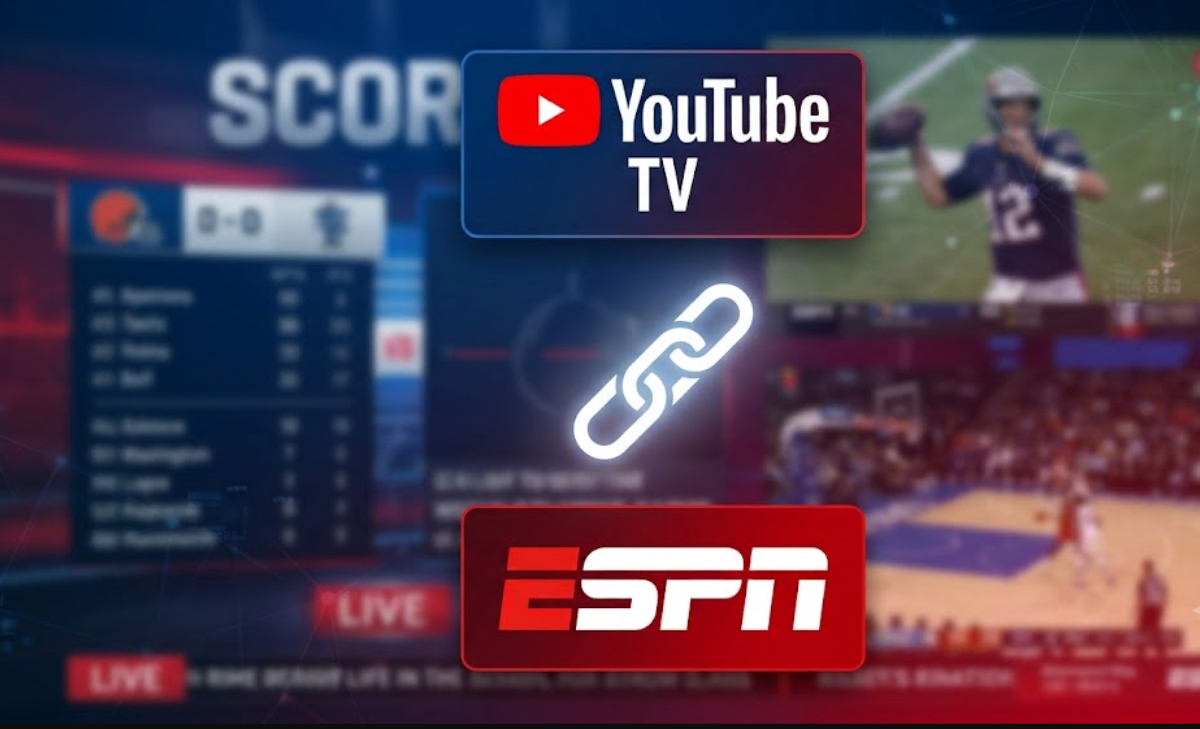
What you actually get when you link YouTube TV and ESPN accounts
In the past, sports fans had to log into different apps or pay twice for the same content. Now, linking your accounts gives you two big benefits that make watching games on weekends much easier.
First, you can use your YouTube TV subscription to sign into the ESPN app and stream premium events. This includes WWE Premium Live Events, Grand Slam tennis, and special college football games.
Second, YouTube TV’s “Fantasy View” now works directly with ESPN Fantasy Football. Since NFL Fantasy has moved to ESPN, linking your account lets you see your league matchups, points, and player stats on your TV while you watch live games.
Why you might be able to cancel a subscription
If you pay for a separate ESPN streaming subscription along with your live TV bill, you might not need both anymore. YouTube TV already includes live ESPN channels, so linking your accounts gives you full ESPN Unlimited access without paying twice.
Many subscribers say they have already canceled their $10 to $12 monthly ESPN plans after linking their accounts, saving more than $120 a year. Also, if you use Disney+ or Hulu with the same MyDisney login, linking YouTube TV can unlock ESPN streams in those apps too.
How to link YouTube TV and ESPN accounts
It takes less than two minutes to link your accounts on your phone or laptop. Here is how to do it before the next game starts:
- On a Web Browser: Navigate to your YouTube settings, select the Connected Apps tab, locate ESPN, and click Connect.
- On Mobile: Open the YouTube TV app, tap your Profile Picture, tap Settings, select Sports, and choose ESPN.
- Log in to your primary ESPN/MyDisney account when prompted, and grant permission to connect.
If you are part of a YouTube TV Family Group, Google says the Family Manager needs to link the accounts first to give everyone in your home access.
Can I cancel my current ESPN subscription after linking my YouTube TV account?
To see if you can cancel your separate ESPN subscription after linking your accounts, consider these three main questions:
Are you paying for a standalone subscription, or is it already included in your TV bill?
- If you pay for YouTube TV, you already get live channels like ESPN, ESPN2, ESPNU, and SEC Network. Linking your account simply confirms your TV provider.
- If you pay for a separate $29.99 monthly ESPN plan, you are paying twice. After linking your accounts, you can watch all live ESPN streams in the ESPN app using your YouTube TV login, so you can cancel the extra subscription right away.
Do you need a separate subscription for exclusive streaming-only content?
- ESPN Select (previously called ESPN+): YouTube TV gives you access to live channels like ESPN, ESPN2, and ACC Network. But if you watch special events only on ESPN Select or ESPN+(such as some out-of-market hockey games, smaller college sports, or certain international matches), check if your YouTube TV plan covers them or if you still need the $12.99 per month add-on.
- Sign in to the ESPN app with your linked YouTube TV account, find an ESPN+/Select exclusive stream, and try to play it. If it works without asking you to pay, you do not need another subscription.
What comes next?
Right now, linking your accounts lets you use the ESPN app and see your fantasy stats. Google says a bigger update is coming later this fall, which will let you watch ESPN Unlimited streams directly in the main YouTube TV app, so you will not have to switch between apps anymore.
With college football and the NFL season coming up, linking your accounts now makes sure you catch every play without paying extra.