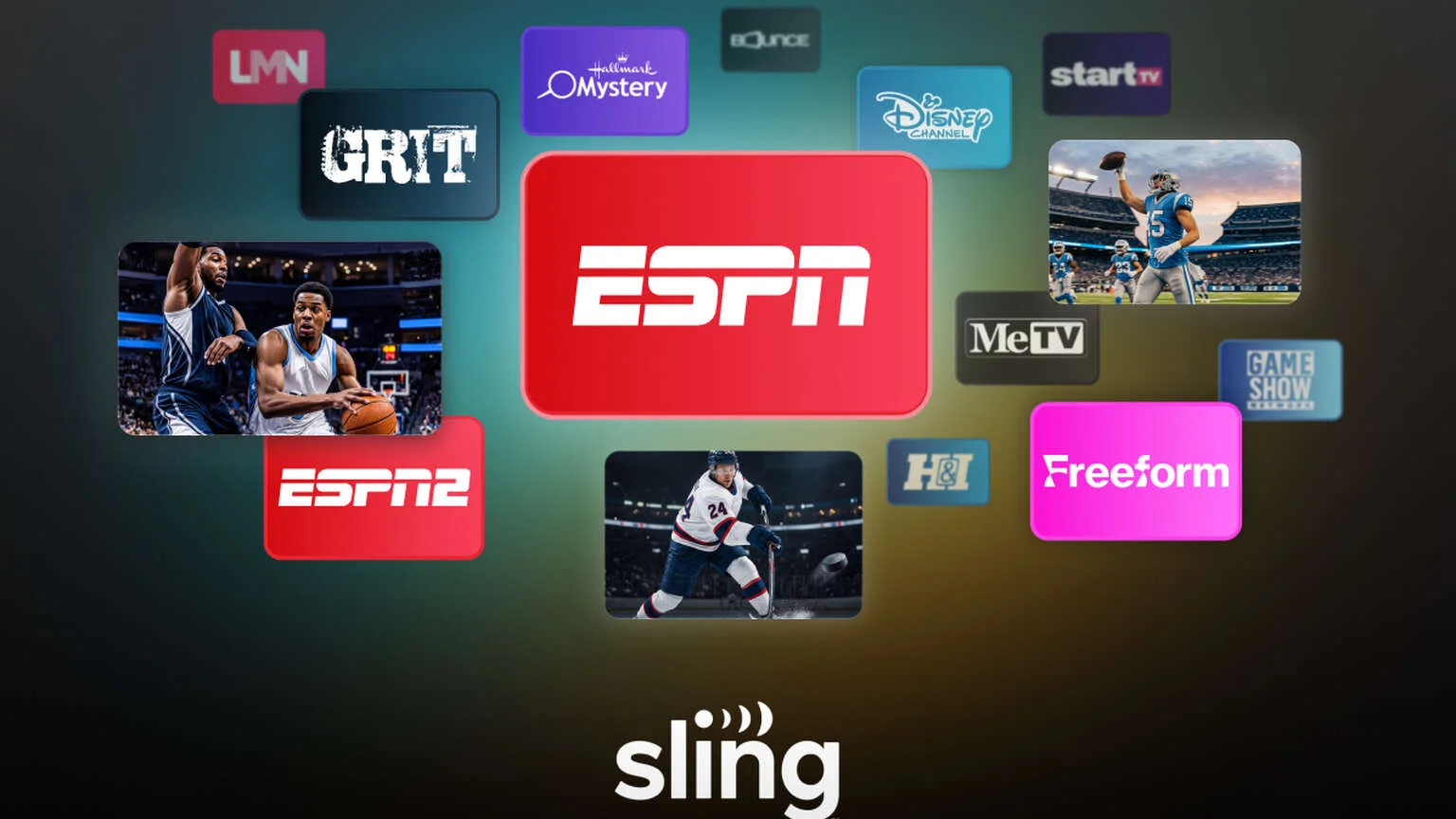
If you mainly want ESPN and ESPN2, Sling Essentials is the cheapest live TV plan you should add. On top of those channels, it also includes a small catalogue of family, movie, game-show, and classic TV channels.
But this low price comes with big limits. You get only one stream, no local broadcast stations, and none of the Turner networks. It is a small ESPN package, not a full cable replacement.
Here are five things to know before you subscribe.
1. Costs $19.99 per month
The standard Sling Essentials plan costs $19.99 per month. This is minus any tax that applies in your area. There is no annual contract.
You also have the option to prepay for three months:
- Monthly plan: $19.99
- Three-month prepay plan: $54.99
Paying for three months saves you $4.98. That is a small discount. Hence, the monthly plan is safer if you are unsure how long you will keep the service.
2. The plan includes only 12 paid channels
Sling calls Essentials a package with more than 10 channels. The current lineup has 12:
- Sports: ESPN and ESPN2
- Family: Disney Channel, Freeform, and Game Show Network
- Movies and drama: Hallmark Mystery, Lifetime Movie Network, and Bounce
- Classic TV: You have GRIT, MeTV, Heroes & Icons, and Start TV
ESPN and ESPN2 are the main reasons to subscribe to this service. These channels carry Monday Night Football and college sports. They also have WNBA games, studio shows, and other national events.
3. Local stations and many popular cable channels are missing
Sling Essentials does not include local ABC, CBS, FOX, or NBC stations. Your location does not change this because local stations are not part of the standalone Essentials plan.
That creates several sports gaps. You will miss games shown on local networks.
An over-the-air antenna could fill some of these gaps if you receive good local signals.
Several cable channels are also missing:
- TNT, TBS, and truTV
- FS1 and FS2
- NFL Network and NFL RedZone
- CBS Sports Network
- CNN, FOX News, and MSNOW
- AMC, HGTV, Food Network, and Discovery Channel
The missing Turner networks matter during March Madness. ESPN and ESPN2 do not carry the men’s NCAA tournament, so Sling Essentials alone will not cover it. The plan is also limited for MLB, NBA, NHL, and college sports because coverage is shared across many networks.
If you want to see how Sling divides sports coverage between its other plans, read our guide to where the sports channels are on Sling TV.
4. You get one stream and 50 hours of DVR storage
Sling Essentials allows only one stream at a time. If you are watching ESPN on your television, another person cannot use the same subscription to watch Disney Channel on a tablet.
This limit makes the plan a poor fit for a home where several people watch live TV. Sling Select allows three streams, while the combined Essentials and Select package offers up to four. ESPN, Disney Channel, and Freeform are still limited to one stream at a time under the combined package.
You get 50 hours of cloud DVR storage.
The Unlimited DVR and Replays add-on costs $5 per month. It removes the storage limit and automatically saves selected programs through the Replays feature.
5. Add-ons could improve the plan, but check the final price
Sling Essentials works best when ESPN and ESPN2 are the only paid sports channels you need. It also makes sense if you use an antenna for local stations and enjoy the included Disney or classic TV channels.
Sports Extra costs another $11 per month. This brings your total to $30.99. It adds eight channels to Essentials:
- ACC Network
- SEC Network
- ESPNU
- ESPNEWS
- MLB Network
- NBA TV
- NHL Network
- beIN Sports