Roku OS 15.2 is rolling out to Roku TVs and streaming players. This update brings real performance improvements that cord-cutters and regular viewers will notice in everyday use.
The Spring 2026 update is being released in phases and aims to make your current devices feel faster, so you do not need to buy new hardware.
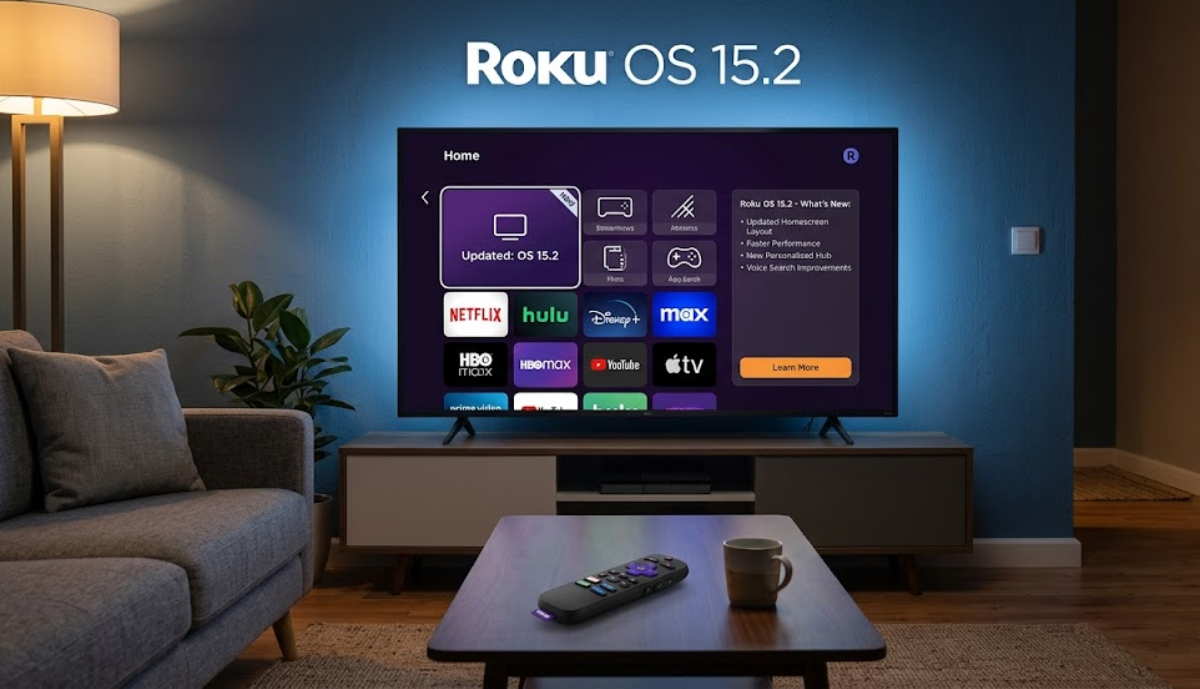
What is new in the Roku OS 15.2 update
Millions of users will notice faster app launches, smoother menu navigation, and easier multitasking when switching between streaming services and live TV. These updates help cut down on annoying lags, especially in the evenings when more apps are running or when streaming in 4K.
The improved performance helps older Roku devices last longer, so families can avoid upgrading too soon.
What are users saying about Roku OS 15.2?
Early feedback shows that popular Roku models now have faster, more responsive interfaces. Apps like Netflix, YouTube, and Hulu open more quickly, and scrolling through menus and channel guides is smoother. Video playback is also more stable, with fewer buffering issues during busy times.
Roku created this update to make better use of system resources in the background. These improvements help people who use several streaming services, rely on voice search, or watch TV for long periods.
With smoother performance, you can spend less time dealing with slowdowns and more time enjoying your shows.
How to get the Roku OS 15.2 update

Not all devices get Roku OS 15.2 at the same time. You can check for the update manually by going to Settings, then System, then Software update, and selecting Check Now. Make sure your device stays online and powered on to get the update faster.
Even though the update focuses on performance, some users have reported problems after installing it. Some Roku TVs are having trouble connecting to wireless sound bars and speakers.
Because of this, some people have lost audio features and have to use their TV’s built-in speakers. Roku is expected to fix these compatibility issues in future updates.
What Roku OS 15.2 means for older Roku devices
A faster, more responsive Roku means you are less likely to want a new device just because your old one feels slow. Improved efficiency might also lower power use a bit during long viewing sessions, but results can vary depending on your device’s age and model.