To activate Reelz Now, download the REELZ+ app on your Smart TV, get an activation code, and connect it to your TV provider. Reelz Now works on Roku, Amazon Fire TV, Android TV, and Apple TV.
First, make sure your Smart TV is online. Search for the REELZ+ app in your TV’s app store and install it. Open the app, then sign in with your TV provider if you have cable, or create a REELZ+ account if you’re subscribing directly.
How to activate Reelz Now on Smart TV
You need to activate Reelz Now before using it for the first time. The steps are quick and easy on Roku, Fire TV, and Android TV or Google TV. The process is the same whether you have REELZ through cable or a separate subscription.

Download the REELZ+ app from your TV’s app store and open it. Choose how you want to sign in, either with your TV provider or your REELZ+ account. Enter the 6-character code at reelzplus.com/activate on your phone or computer. This connects your account and unlocks live and on-demand shows in just a few minutes.
Activating Reelz Now on Roku TVs
Roku is one of the easiest ways to use REELZ+. To activate it, follow these steps:
- From your Roku home screen, head to the Streaming Store or Channel Store.
- Search for REELZ+ and select it.
- Choose Add Channel.
- Once added, open the app.
- When you open the app, you will see sign-in options.
- If you get REELZ through your cable or satellite provider, pick Sign in with TV Provider. You will see a 6-character code on your TV. If you subscribe to REELZ+ directly, sign in with your email and password instead.
- On a second device, go to reelzplus.com/activate.
- Enter the code.
- Pick your provider from the list, and log in with your provider credentials.
The Roku app will refresh on its own, and you can start watching right away.
If you have problems, such as the code not working, check that your Roku is updated. Go to Settings, then System, then System update, and restart your device. You can also get a new code if the old one has expired.
Activating Reelz Now on Amazon Fire TV and Fire Stick
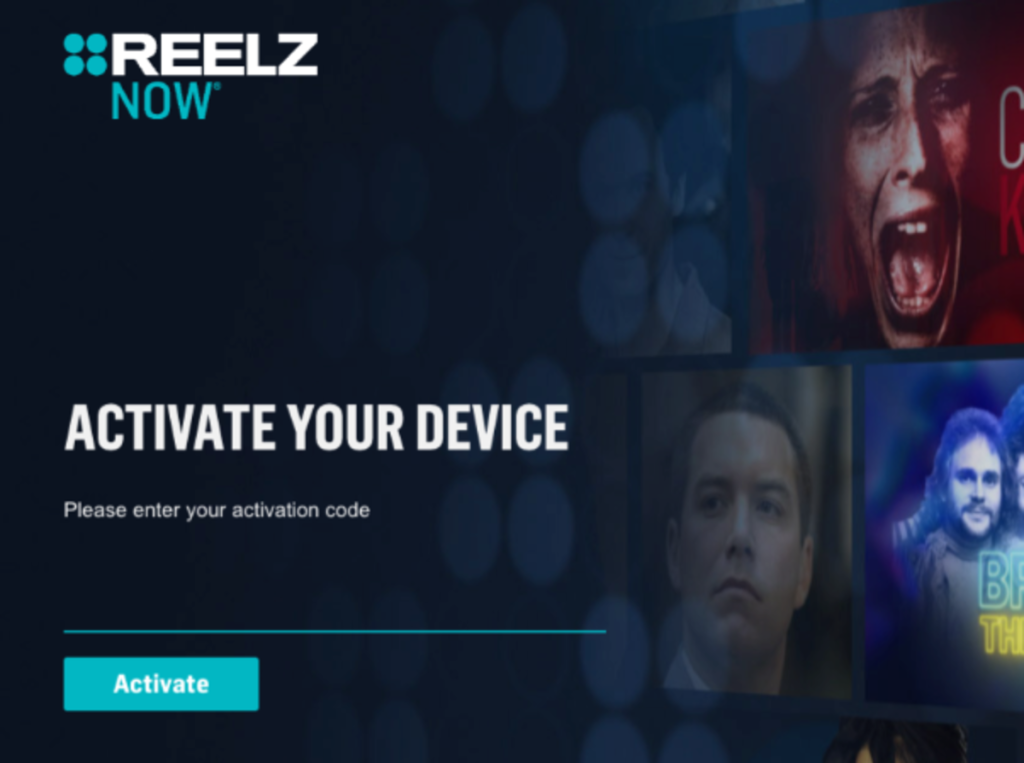
Fire TV users will follow similar steps.
- From the home screen, go to Find > Search.
- Type REELZ+.
- Download the app and launch it.
- Select Sign in with TV Provider to display the activation code.
- Visit reelzplus.com/activate on your phone or laptop.
- Input the code, choose your provider, and sign in.
- The Fire TV app will confirm access right away.
If you subscribed through Prime Video Channels, you can watch REELZ shows directly in the Prime Video app under Channels.
If you need to troubleshoot, try clearing the app cache by going to Settings, then Applications, then Manage Installed Applications, then REELZ+, and select Clear cache. You can also check for app or Fire OS updates.
Activating Reelz Now on Android TV and Google TV
If you use Android TV or Google TV devices like Sony or Nvidia Shield, follow these steps:
- Open the Google Play Store.
- Search REELZ+ and install the app.
- Open the app and sign in.
- Choose your TV provider to get a code, or sign in with your REELZ+ account details.
- Enter the code at reelzplus.com/activate.
- Authenticate and start watching.
Android TV and Google TV also let you cast. You can start watching on your phone and send it to your TV.
Additional tips for other Smart TVs
On Samsung, LG, or other Smart TVs, the REELZ+ app may not be available. Check your TV’s app store first. If you can’t find it, use a streaming device like Roku or Fire TV Stick, or cast from your phone with the REELZ+ app.