SNY TV is one of the top regional sports channels in the United States. It offers comprehensive coverage of the New York Mets (MLB) and New York Jets (NFL), as well as other professional and collegiate sports in the New York Tri-State area.
However, SNY is a pay TV channel. To enjoy sports content, you will need to activate your subscription.

Below is a detailed guide on activating SNY TV and watching the network on various devices.
How to activate SNY TV
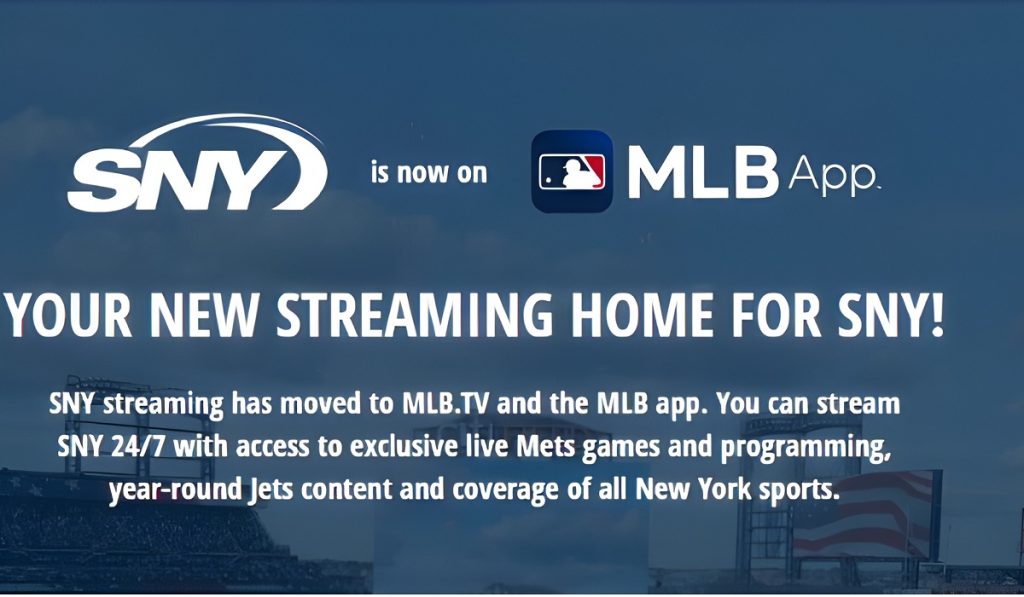
SNY TV streaming is available through MLB.tv or the MLB app. To activate the service, you can either sign in with a TV provider or purchase a direct SNY TV subscription.
Activate SNY TV with a TV provider:
To activate SNY TV via a TV provider, you need to have a Pay TV subscription that offers SNY TV. If you don’t, you will need to purchase an SNY TV package from a participating provider.
Once you have a valid subscription, you can activate SNY TV using the following steps:
- Open the MLB SNY TV authentication link on your browser.
- Select your TV provider from the list of participating SNY TV providers.
- You will be redirected to your TV provider sign-in page, where you should log in with your provider credentials.
- Link your pay TV provider credentials with your MLB account. If you don’t have an existing MLB account, you can create one and then link it with your TV provider.
- With the activation process complete, you can now start watching SNY TV via MLB.
- To start watching SNY TV.
Note: The current list of participating TV providers that offer SNY TV includes:
- Astound
- Blue Ridge Communications
- Cox
- DIRECTV
- DIRECTV STREAM
- DTC Cable (Delhi)
- GTel
- Hulu
- Mid-Hudson Cable
- MIDTEL
- MTC Cable
- Optimum TV
- Service Electric Cable TV and Communications
- Spectrum
- Verizon Fios.
Purchase a direct subscription.
Besides a TV provider, you can also get SNY TV by purchasing a direct subscription to the network.
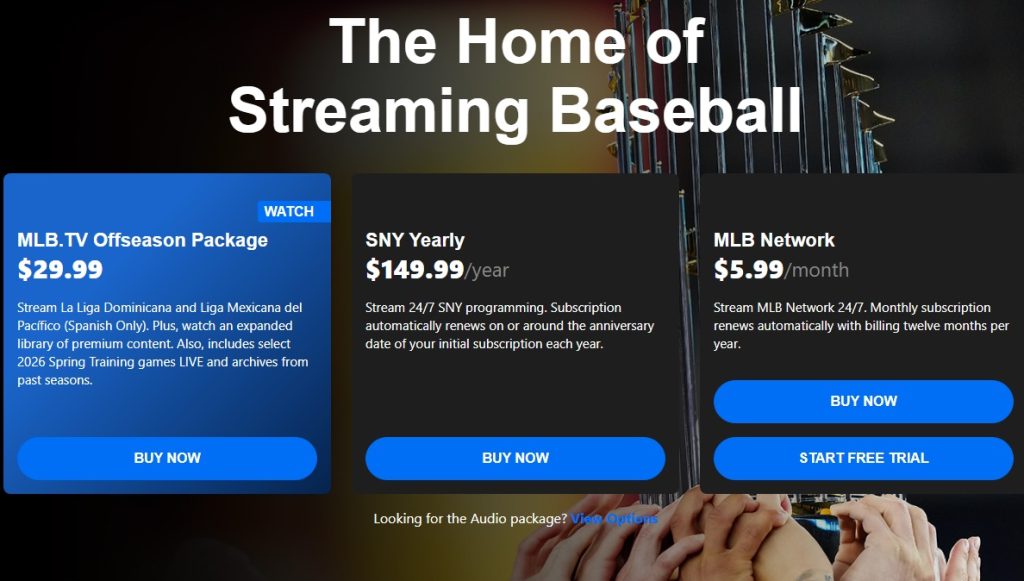
To do this:
- Go to the subscription page on MLB.
- Choose a SNY subscription plan: two options are available – SNY Monthly at $24.99 per month and SNY Yearly at $149.99.
- Enter your billing information in the checkout window to purchase the subscription and start watching SNY.
NOTE: The direct subscription plans offered by SNY are in-market subscriptions. Therefore, you must reside in the SNY TV regional territory to purchase any of these plans.
How to Watch SNY TV
You can watch SNY TV on several devices, including web browsers, mobile devices, smart TVs, and a range of other connected devices. Below is how to watch the network on all these devices.
1. Watch on the web
You can watch SNY TV on the web via the MLB.TV website. To do this:
- Go to the MLB Media Centre and select the SNY content you want to watch.
- Enter your MLB account username and password to access your SNY subscription and start watching.
NOTE: You can watch MLB.TV on most internet browsers. For PCs, supported browsers include Microsoft Edge, Firefox, and Chrome for Windows, and Safari, Firefox, and Chrome for macOS.
2. Watch on mobile devices
You can watch SNY TV on your mobile devices (Android, iOS, and Amazon Fire TV) via the MLB App. Below is a look at how to do this:
- Go to your mobile device’s app store (Apple App Store for iOS devices, Google Play Store for Android, and Amazon Store for Fire TV).
- Download and install the MLB App from the App Store.
- Launch the app on your mobile device and tap on “Subscriber Login” or “Sign in with MLB.com”
- Enter your MLB account credentials and log in to the app.
- Go to the “Watch” tab on your device and select “Games” to see the list of available SNY TV games.
- Tap on the game you want to watch and choose one of the available live feeds to start streaming.
NOTE: Some Fire TV users have reported that the MLB app is missing from the Amazon App Store. If you encounter this issue, you can push the app to your Fire TV device from the Amazon website via the steps below:
- Go to the Amazon website on your PC browser and log in to your Amazon account.
- Search for “MLB” on the main menu.
- Select the app and use the “Deliver to” option to send it to your Amazon Fire TV device.
3. Watch on a Smart TV
To watch SNY TV on your Smart TV, follow the steps below:
- Go to the apps section on your TV’s Smart Hub and search for MLB.
- Install the app and launch it.
- Enter your MLB account credentials or use the “Express Sign Up” option of scanning the QR code on your phone.
- Once logged in, go to the “Games” tab and select the SNY TV game you want to start streaming.
4. Watch SNY TV on Roku
You can watch SNY on Roku via the MLB channel. Below is a look at how to do this:
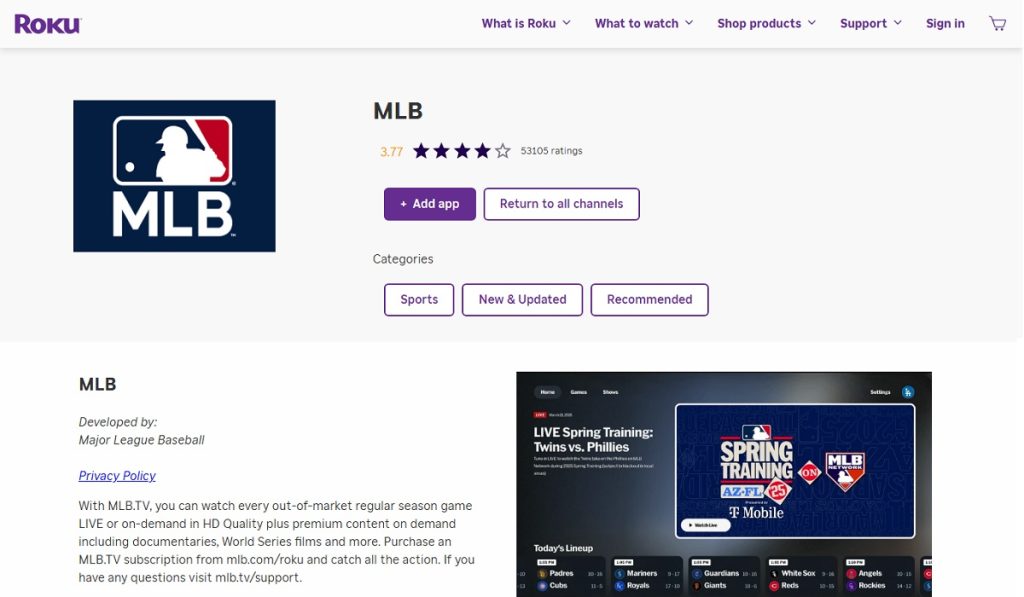
- Go to the Roku Channel Store on your Roku device and search for “MLB.”
- Install the MLB Channel on your device, then launch it.
- Sign in to your MLB account with your credentials.
- Go to the “Games” tab and select the game you want to watch to start streaming.
5. Watch on other connected devices
In addition to the above devices, you can also watch SNY TV on other connected devices, including Apple TV, Google/Android TV, PlayStation, Xbox, and Xumo.
With each of these devices, you only need to download the MLB app, log in with your MLB credentials, then go to the “games” or the media centre and select one of the games offered by SNY TV to start watching.
If you have subscribed to SNY TV via a TV provider, you can also watch the network via the provider’s streaming app (if they have one). Examples include DirecTV Stream and Hulu + Live TV.